
TL;DR

Get business pricing on monitors, keyboards and dev gear
- Business-only prices and quantity discounts
- Tax-exempt purchasing
- Multiple users, one account, clear invoices
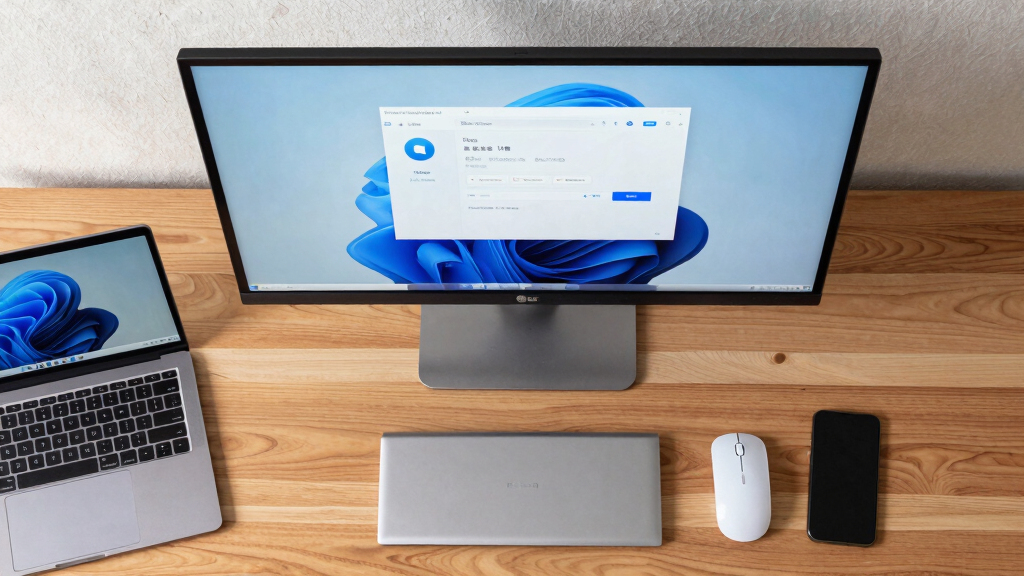
LG monitors are reportedly installing software through Windows Update without user consent. This discovery raises privacy and security questions, prompting investigations into the practice.
Multiple users and security researchers have identified that certain LG monitors are automatically installing software through Windows Update without explicit user consent. This practice raises concerns about user privacy and control over device software, especially since the installations occur silently and without clear notification.
The issue came to light after users noticed unexpected software appearing on their systems following Windows Update. According to reports, LG monitors, particularly some models released in recent years, include firmware or companion software that is installed automatically when Windows Update runs. LG has not officially acknowledged the practice, and it remains unclear whether this is a deliberate feature or an unintended side effect. Experts warn that such silent installations could pose security risks, especially if the software is not transparent or easily removable. The affected users have expressed concern over potential privacy implications and the lack of control over what is installed on their devices.Tech security specialists have examined the update files and confirmed that the software is digitally signed but was not explicitly disclosed during the update process. Some users have reported that the software appears to include diagnostic tools or proprietary management utilities designed for enterprise use, but it is not clear why these are installed silently on consumer devices. LG has not issued a public statement addressing the reports, and the company’s official support channels have not confirmed whether this is an intentional feature or a flaw.
Implications for User Privacy and Device Control
This development matters because it highlights potential privacy violations and lack of transparency in device management. Users expect control over what software is installed on their systems, especially when it involves firmware updates or additional utilities. Silent installations without user approval can undermine trust in device manufacturers and software update processes. Additionally, the practice raises security concerns, as undisclosed software could be exploited by malicious actors if vulnerabilities are present. The incident underscores the need for clearer communication from manufacturers and more transparent update practices to safeguard user rights and system security.
Products Worth Considering

LG UltraGear 34GX90SA-W 34-inch WQHD Curved OLED Gaming Monitor

Samsung 34-Inch Odyssey G5 Ultra-Wide Curved Gaming Monitor

LG UltraGear 32GX850A-B 32-inch 4K UHD Glossy OLED Gaming Monitor
As an affiliate, we earn on qualifying purchases.
Background of Firmware and Software Updates in Monitors
LG has released several monitor models in recent years that include features such as remote management, diagnostic tools, and firmware updates. Typically, firmware updates are delivered via manufacturer-specific utilities or through manual downloads. However, the recent reports suggest that some models are receiving software components automatically through Windows Update, a process traditionally reserved for Windows system updates. This practice is not unprecedented; other hardware manufacturers have also faced scrutiny over bundled software and update transparency. The current reports add to ongoing debates about user control over device software and the transparency of update mechanisms in consumer electronics.
“The fact that software is being installed silently through Windows Update without user approval is concerning. It bypasses user consent and raises questions about transparency and security.”
— Security researcher Jane Doe
Unclear Intentions and Scope of Software Installations
It remains unclear whether LG intentionally designed these silent installations for consumer monitors or if this is an unintended consequence of other update processes. The full scope of affected models and the nature of the installed software are still being investigated. LG has not provided detailed information about the purpose of the software or whether users can opt out. The security implications and compliance with privacy regulations are also yet to be clarified, leaving open questions about the transparency and legality of the practice.
Next Steps for Users and Regulators
Users are advised to monitor their systems for unexpected software and to consult official LG support channels for clarification. Security researchers and consumer rights groups are calling for investigations into the practice and potential regulatory review. LG is expected to issue a formal statement or update their firmware policies soon. Further technical analysis and possible software updates may clarify whether the installations can be disabled or removed easily, and whether LG will revise its update practices to ensure greater transparency.
Key Questions
Is LG intentionally installing software on monitors without user consent?
It is not yet confirmed whether LG intentionally designed this process. The company has not issued an official statement addressing the reports, and investigations are ongoing.
Can users prevent these software installations?
At this stage, it is unclear if users can opt out or disable the installations. Experts recommend monitoring updates and contacting support for guidance.
What kind of software is being installed?
Reports suggest the software includes diagnostic and management utilities, but details are limited. The purpose and security of the software are still under investigation.
Are there security risks associated with this practice?
Silent, undisclosed installations could pose security risks if vulnerabilities exist or if the software is exploited. Experts advise caution until more information is available.
Will LG address this issue publicly?
LG has not yet issued a formal response, but the company is reportedly investigating the reports and may release further information soon.
Source: hn