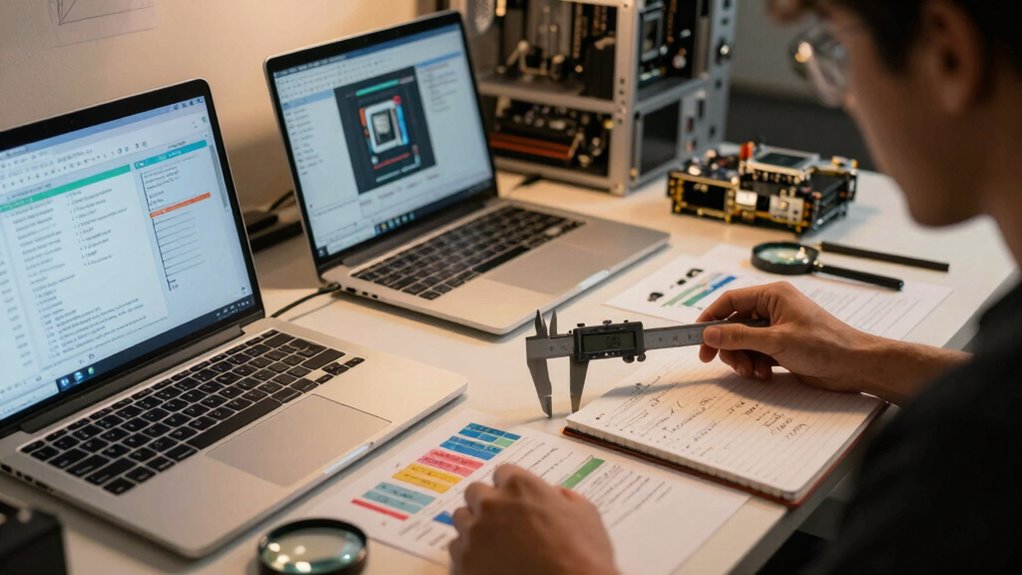

As a QA engineer, understanding hardware specs helps you spot genuine performance versus marketing hype. Focus on key details like CPU cores and speed, RAM size and type, storage type (SSD or HDD), and graphics capabilities if visual accuracy matters. Watch out for vague claims and check independent benchmarks instead. Recognizing standards like USB, Thunderbolt, and wireless protocols guarantees proper device tests. Keep scrolling to discover how these specs influence your testing accuracy and reveal real device performance.

Get business pricing on monitors, keyboards and dev gear
- Business-only prices and quantity discounts
- Tax-exempt purchasing
- Multiple users, one account, clear invoices
Key Takeaways
- Understand core hardware components like CPU, RAM, storage, and GPU to assess their impact on testing accuracy and reliability.
- Learn to interpret hardware specifications such as clock speed, core count, RAM type, and VRAM for proper environment matching.
- Recognize benchmarks and performance metrics to evaluate hardware capabilities objectively.
- Be aware of compatibility and security features in connectivity, storage, and input devices to prevent false test results.
- Stay informed about hardware limitations and their effects on visual and performance assessments to avoid being misled.
As an affiliate, we earn on qualifying purchases.
Why Hardware Specifications Are Important for QA Testing

Have you ever wondered why hardware specifications matter so much in QA testing? Your testing environment‘s hardware directly influences how software performs in real-world conditions. For example, cloud integration allows you to simulate how applications behave across different devices and networks, making hardware specs essential for accuracy. Battery longevity is also imperative, especially for mobile app testing; it helps guarantee apps don’t drain batteries prematurely. If hardware isn’t aligned with user devices, you risk missing bugs or performance issues that could frustrate users. Precise hardware details help you replicate end-user experiences more reliably. Without proper specs, your testing may overlook critical problems, leading to poor user satisfaction and costly fixes later. So, understanding hardware specs helps you deliver more robust and user-friendly software. Additionally, embracing digital concepts** can enhance your testing strategies by ensuring comprehensive coverage of various scenarios.
As an affiliate, we earn on qualifying purchases.
Decoding CPU Details: Speed, Cores, and Architecture
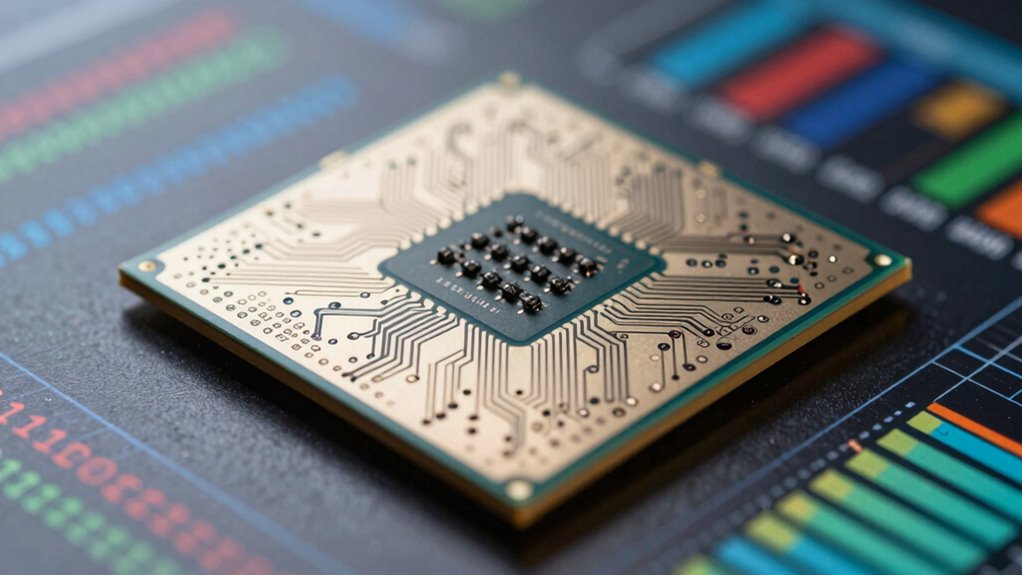
Understanding CPU details is crucial for accurate QA testing because the processor directly affects application performance and responsiveness. CPU architecture determines how efficiently a processor handles tasks, influencing speed and power consumption. When evaluating hardware, look at hardware benchmarks to compare performance across different CPUs. These benchmarks reveal real-world capabilities, helping you assess if a system can meet your application’s demands. Core count also matters; more cores can handle multitasking better, improving overall stability during testing. CPU speed, measured in GHz, indicates how quickly a processor can execute instructions, but it’s not the sole performance indicator. By decoding these CPU details—architecture, cores, and speed—you guarantee testing environments match real-world conditions, reducing surprises and increasing reliability.
As an affiliate, we earn on qualifying purchases.
Understanding RAM Types, Sizes, and Speeds
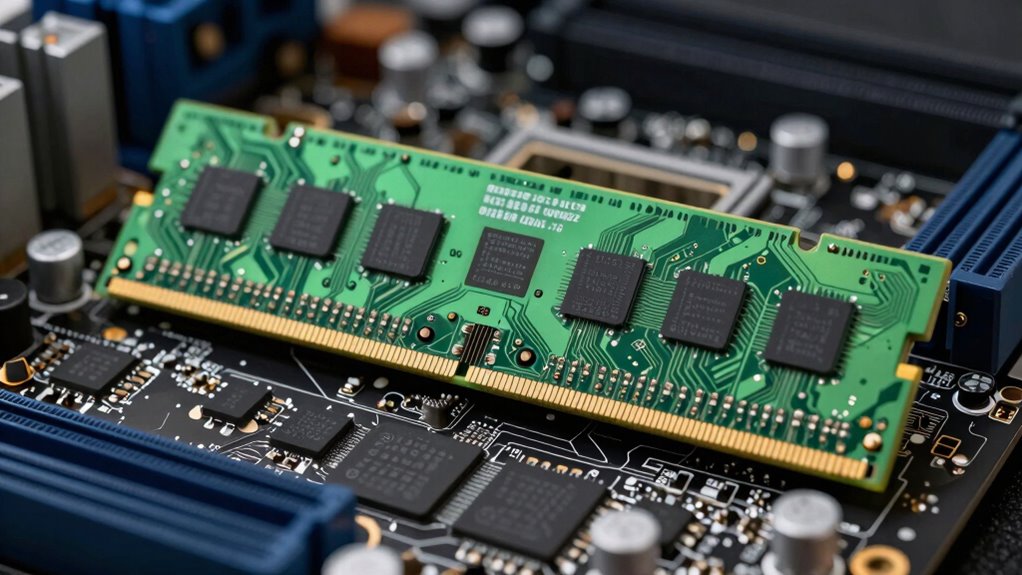
RAM, or Random Access Memory, plays an essential role in your system’s performance by providing fast temporary storage for active applications and processes. The RAM capacity determines how much data your system can handle simultaneously; more capacity generally improves multitasking. Different RAM types, like DDR4 and DDR5, offer varying speeds and power efficiencies, impacting overall performance. RAM speed, measured in MHz, affects how quickly data moves between the memory and other components. Memory latency, the delay before data transfer begins, also influences responsiveness—lower latency means faster access. Understanding these aspects helps you evaluate if a system’s RAM meets your needs, ensuring smooth operation during intensive tasks. Properly chosen RAM types, sizes, and speeds optimize your workflow without bottlenecks.
As an affiliate, we earn on qualifying purchases.
Storage Options: HDDs, SSDs, and NVMe Technologies
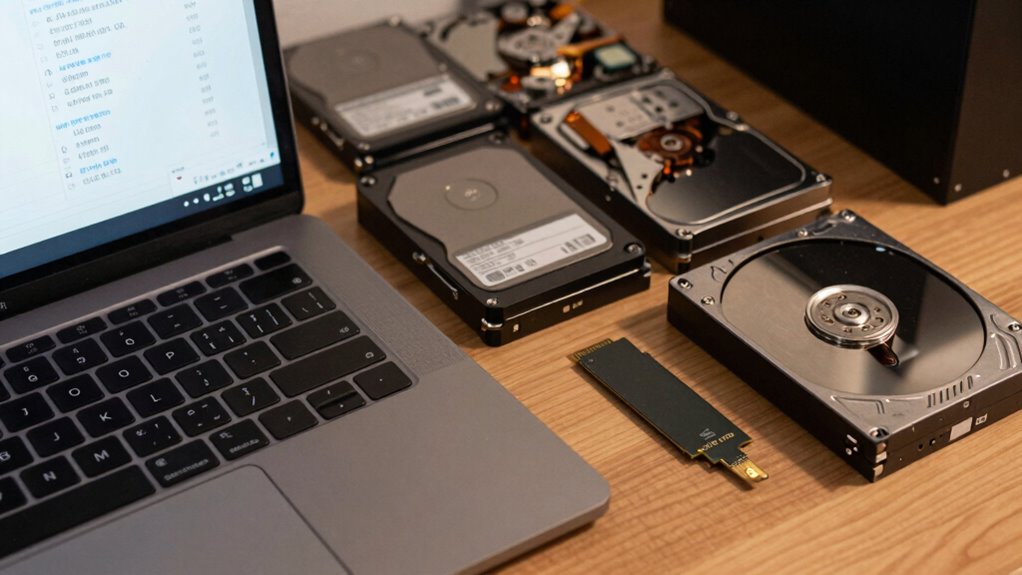
Choosing the right storage options can profoundly impact your system’s speed and responsiveness. HDDs offer high storage capacity at a lower cost but have lower storage durability and slower data transfer speeds. SSDs are faster, more durable, and use flash memory, making them ideal for quick access and improved performance. NVMe technologies take it further with even higher speeds by connecting directly to the PCIe slot, reducing latency. When selecting storage, consider not only speed but also data encryption features to protect sensitive information. SSDs and NVMe drives often support hardware encryption, enhancing your system’s security. Additionally, understanding cybersecurity tactics can help you implement better protective measures when storing sensitive data. Keep in mind that durability varies: SSDs generally last longer under typical use, but all storage types have finite write endurance. Properly evaluating these factors helps assure your storage choices match your performance and security needs. Additionally, consider how color accuracy can enhance the visual experience in multimedia applications, which is especially relevant if your storage is used for gaming or home cinema. Incorporating outdoor ovens into your setup can also provide a unique way to utilize your hardware for entertaining purposes.
Graphics Hardware: When It Matters for Testing
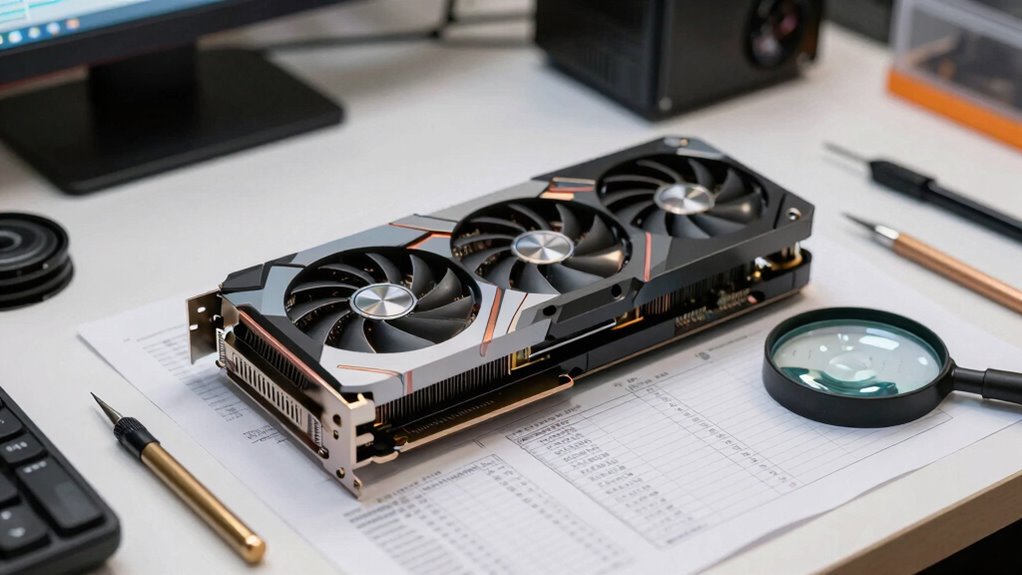
Ever wondered how your graphics hardware can influence testing accuracy and efficiency? Your graphics hardware impacts graphics optimization and overall visual performance, which are vital for testing visually intensive applications. If your hardware can’t handle high-quality rendering or smooth frame rates, bugs or visual glitches might go unnoticed or misinterpreted. A powerful GPU ensures your tests reflect real-world user experiences, especially for games, design tools, or multimedia apps. Understanding the specs, like VRAM, GPU architecture, and driver support, helps you select hardware that accurately reproduces user environments. This way, you minimize discrepancies caused by hardware limitations, guaranteeing your testing results are reliable. Ultimately, investing in suitable graphics hardware guarantees better visual performance assessments and more precise bug detection, similar to how café-quality results are achieved in home espresso. Additionally, recognizing the importance of spiritual guidance can enhance your focus and intuition during the testing process. Moreover, incorporating body-based methods can help you maintain a grounded approach while navigating complex testing scenarios. In the realm of gaming, graphics performance metrics** are crucial for ensuring the fidelity of user experience during testing.
Power Supply Ratings and Connectors Explained
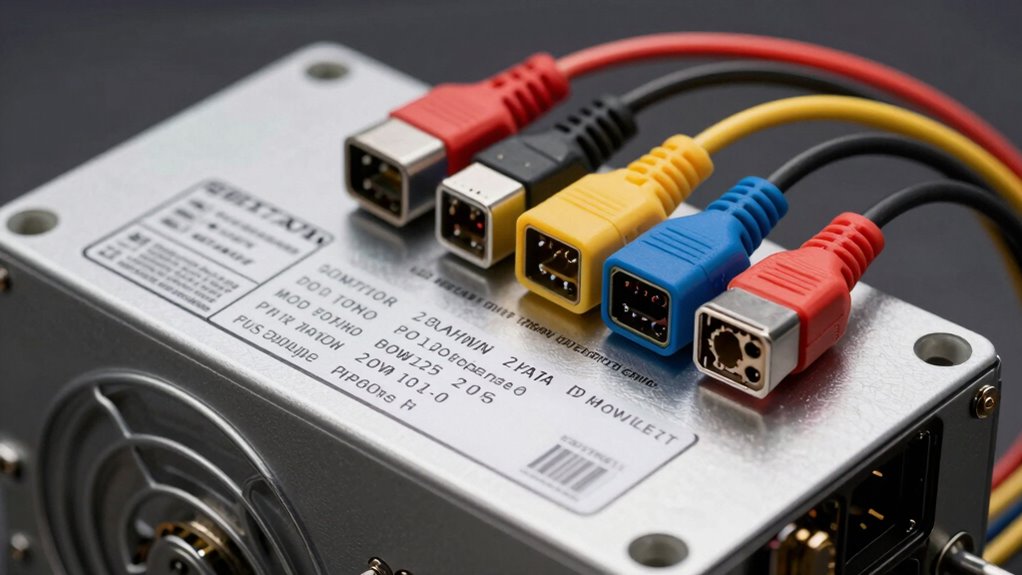
Understanding power supply ratings and connectors is essential because they determine whether your system gets stable, reliable power. Power efficiency indicates how well the power supply converts AC to DC power, affecting energy consumption and heat output. Look for high-efficiency ratings like 80 PLUS certifications, which guarantee less energy waste. Connector types vary, with common ones including ATX, EPS, and PCIe, each serving different components. Make sure your power supply has the right connectors for your hardware, especially if you’re testing high-performance setups. Reliable connectors ensure proper power delivery and reduce risks of disconnections or damage. Paying attention to these specs helps you avoid system instability, hardware failures, and troubleshooting headaches, keeping your testing environment steady and efficient. Additionally, consider how solar pool covers can promote sustainability in your power usage by minimizing energy waste. To enhance your overall efficiency, consider employing deep breathing techniques to reduce stress during your testing process.
Connectivity Standards: USB, Thunderbolt, Ethernet, and More
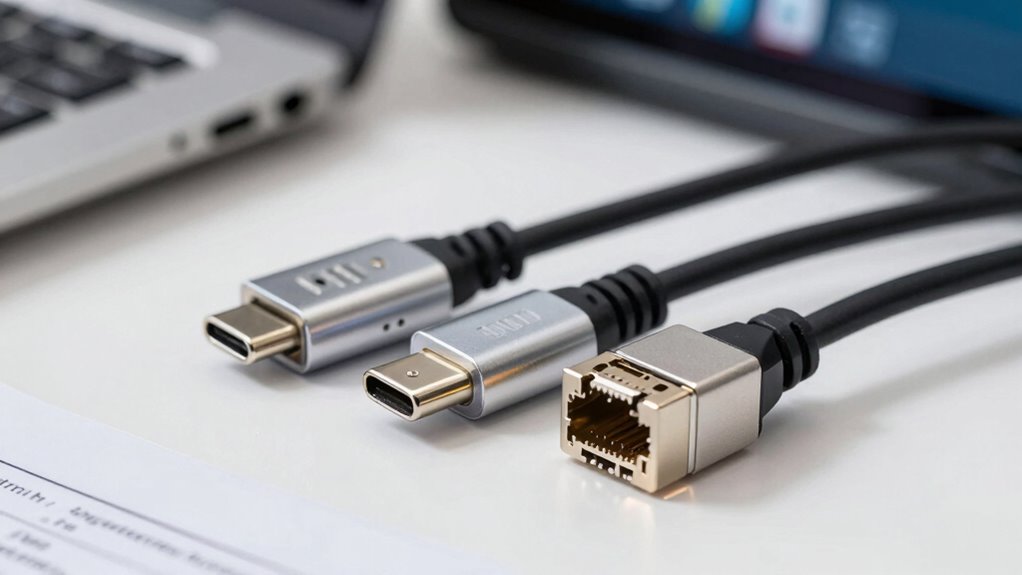
When choosing connectivity standards, you need to take into account device compatibility and the types of devices you’ll connect. It’s also important to look at data transfer speeds and power delivery capabilities to ensure your setup meets your needs. Understanding these points helps you select the right ports for performance and efficiency.
Compatibility and Device Types
Compatibility and Device Types (Connectivity Standards: USB, Thunderbolt, Ethernet, and More)
Compatibility with various device types hinges on the connectivity standards your hardware supports. For example, Bluetooth compatibility lets you connect wireless peripherals like headphones and speakers effortlessly. Audio jack specifications vary—some devices use 3.5mm jacks, others 6.3mm, affecting your headphone choices. Ethernet ports ensure stable wired internet, while USB and Thunderbolt facilitate fast data transfer and device connections. Additionally, choosing the right mattress topper can significantly enhance your overall sleep comfort, much like selecting the appropriate hardware for your needs. Understanding aviation regulations can be crucial when considering the technical specifications of devices in the aviation industry. Furthermore, the right travel tips can help you choose devices that enhance your adventure experience. Protecting your smart home involves being aware of data security vulnerabilities that may arise from improper device connections. Electric dirt bikes, for instance, exemplify sustainable energy options that can incorporate various connectivity features for enhanced performance.
Imagine this table:
| Device Type | Connectivity Standard | Key Feature |
|---|---|---|
| Headphones | Audio jack (3.5mm) | Compatibility with most audio devices |
| External GPU | Thunderbolt 3/4 | High-speed graphics data transfer |
| Keyboard | USB | Plug-and-play simplicity |
| Monitor | HDMI, DisplayPort | Video output options |
| Printer | USB, Ethernet | Wired printing capabilities |
Knowing these details helps you avoid compatibility pitfalls.
Data Transfer Speeds
Choosing the right connectivity standards directly impacts your data transfer speeds, which can make a big difference in daily productivity. Faster standards like Thunderbolt 4 or Ethernet guarantee quick transfers for large files or blockchain hardware updates. These speeds are vital when working with quantum computing setups or large-scale blockchain hardware, where delays can hamper progress. To understand data transfer better, consider these factors:
- Bandwidth: Higher bandwidth allows larger data chunks to move faster, essential for quantum data or blockchain ledger synchronization.
- Protocol Efficiency: Standards like USB 3.2 or Thunderbolt optimize transfer protocols, reducing latency and increasing throughput.
- Compatibility: Confirm your hardware supports these standards to avoid bottlenecks, especially with emerging tech like quantum computers or advanced blockchain hardware. Additionally, some retailers have specific return policies that may affect your hardware purchases, so it’s wise to check them before buying.
Power Delivery Capabilities
Ever wondered how your devices can power up or charge efficiently through different connectivity standards? Power delivery capabilities vary across USB, Thunderbolt, Ethernet, and more, impacting battery longevity and thermal management. Fast charging standards deliver higher wattages, reducing charging time but potentially generating more heat, which can affect thermal management. Proper power delivery guarantees your device maintains ideal battery health over time, preventing rapid degradation. Some standards support bi-directional power flow, enabling devices to both charge and be charged, enhancing versatility. When evaluating hardware, consider the power delivery specifications, including wattage and compatibility, to avoid overheating or damaging components. Additionally, understanding how hydrating ingredients in devices can affect thermal performance is crucial for optimal functionality. Clear understanding of these specs helps you choose devices that maximize charging efficiency, extend battery life, and maintain safe thermal conditions during operation.
Display and Input Device Specs: Resolution, Refresh Rate, and Sensors
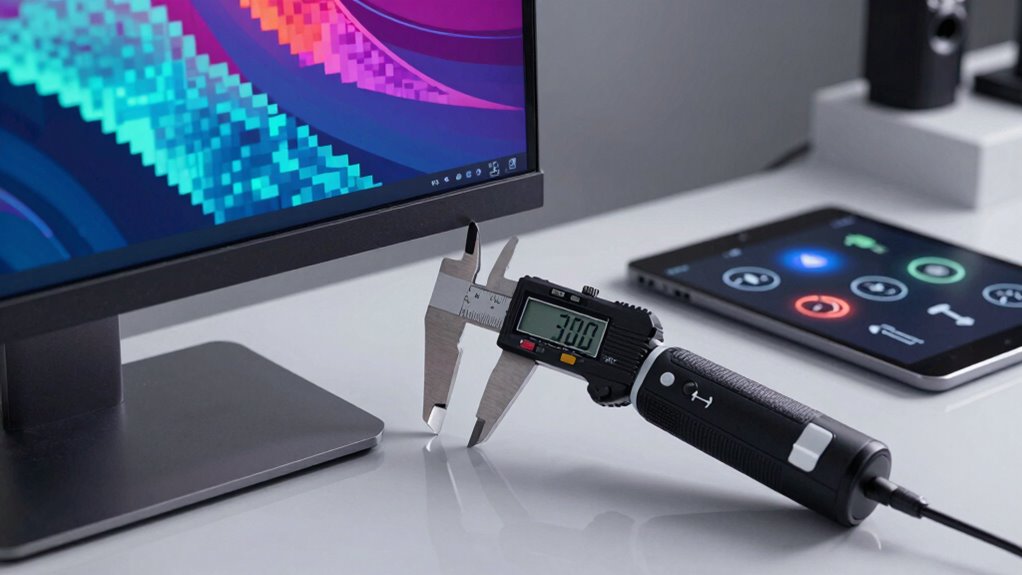
When evaluating display and input device specs, understanding screen resolution helps you determine clarity and detail. Refresh rate affects how smoothly visuals appear, which is especially important for responsive performance. Sensors play a key role in input accuracy and device functionality, so knowing their capabilities is essential for thorough testing. Additionally, early socialization in training can enhance a device’s user interface experience by improving responsiveness to user inputs.
Screen Resolution Details
Have you ever wondered how screen resolution impacts your device’s display quality? Higher resolutions, like 4K, deliver sharper images, but they can also drain your battery faster. When evaluating resolution, consider these factors:
- Pixel density, which affects image clarity and detail.
- Impact on battery life, since higher resolutions demand more power.
- Material durability, as screens with higher resolutions often use fragile components that need careful handling.
Choosing the right resolution balances visual quality with device longevity. A higher resolution looks great but may reduce battery life and increase material wear over time. Understanding these details helps you avoid getting tricked into premium specs that don’t match your daily use or durability needs.
Refresh Rate Importance
A high refresh rate can make your device’s display feel smoother and more responsive, especially during fast-paced activities like gaming or scrolling. It directly impacts display motion, reducing blur and lag. A higher refresh rate—like 120Hz or 144Hz—ensures smoother progressions and clearer visuals during rapid movements. This is essential for gaming, fast scrolling, or any activity requiring quick reactions.
| Refresh Rate | Typical Use Case | Effect on Display Motion |
|---|---|---|
| 60Hz | Standard browsing | Basic motion, slight blur |
| 120Hz | Gaming, videos | Smoother display motion, less blur |
| 240Hz | Competitive gaming | Ultra-smooth, minimal motion blur |
Sensor Functionality Overview
Understanding sensor functionality is key to evaluating how well a device responds to your interactions and displays visuals. Sensors like environmental sensors and touch inputs rely on proper calibration to deliver accurate results. Poor calibration can lead to delayed or incorrect responses. Environmental sensors monitor factors like light or temperature, affecting display performance and user experience. When assessing sensors, consider:
- The accuracy of sensor calibration to ensure reliable readings.
- The types of environmental sensors included and their responsiveness to conditions, similar to how aftercare essentials are crucial for maintaining piercings. For instance, the calibration of touch input sensors can significantly affect user experience, much like how Christian Yelich’s mixed heritage influences his diverse appeal in baseball. Additionally, the influence of early detection methods in healthcare can parallel the importance of precise sensor functionality in technology. Recent advancements in AI have demonstrated how AI-driven solutions can enhance sensor calibration processes.
- How sensors impact overall device performance, especially in dynamic environments.
Knowing these details helps you determine if a device’s sensors will work seamlessly with your daily usage, providing precise input and optimal display adjustments without tricks or surprises. Additionally, using materials that are recycled in gardening can enhance the eco-friendliness of your home technology setup.
How to Spot Marketing Jargon and Find Real Performance Data
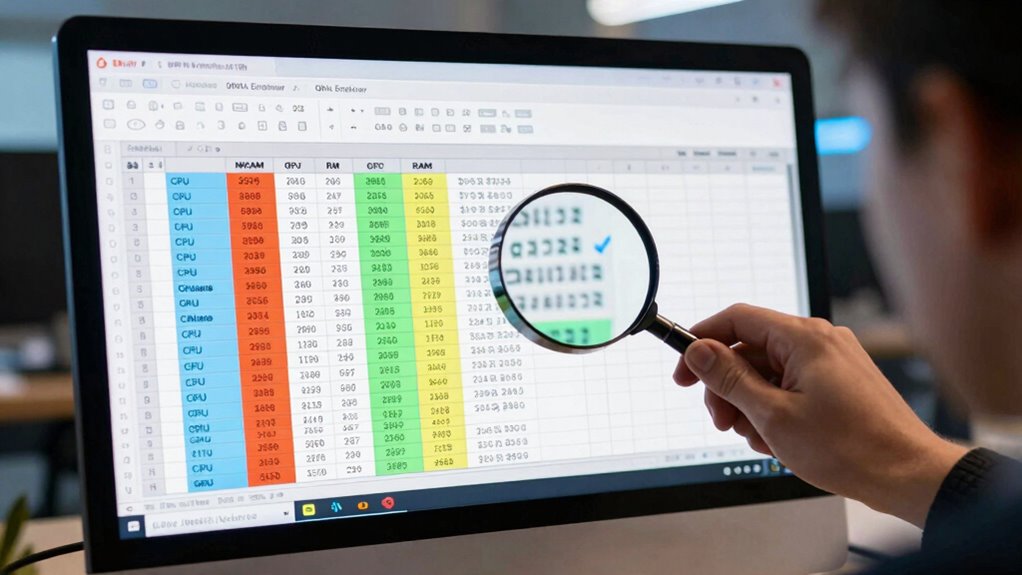
How can you tell when marketing claims are just hype and when you’re looking at genuine performance data? Start by scrutinizing the specifics. Real performance data often comes from independent tests, benchmarks, or detailed specs rather than vague phrases like “superior speed” or “unmatched efficiency.” Check if the manufacturer provides firmware updates—these show ongoing support and performance improvements. Additionally, verify their commitment to user privacy, as reputable manufacturers prioritize transparency. Be cautious of exaggerated claims that imply performance improvements without concrete evidence. Also, review hardware warranties; they reflect the manufacturer’s confidence in durability and reliability. Genuine specs will specify clock speeds, bandwidth, and power consumption, not just marketing buzzwords. Additionally, consider how HEPA filters can enhance the efficiency of your appliances, as maintenance plays a crucial role in overall performance. By focusing on these tangible details, you’ll avoid being misled by marketing jargon and get a clearer picture of what the hardware can truly do.
Which Hardware Specs Matter Most for Effective Testing

When evaluating hardware specs for testing, focusing on the right details guarantees accurate results and meaningful insights. Key specs directly impact test reliability and user experience. For example, understanding Bluetooth standards ensures compatibility and performance in wireless connections. Wireless charging capabilities reveal device efficiency and battery management.
To deepen your assessment, consider these factors:
- Bluetooth versions — Higher versions like Bluetooth 5.0 improve speed and range, vital for testing connectivity.
- Wireless charging tech — Compatibility with Qi or other standards affects charging speed and device interoperability.
- Processor and RAM — These impact device responsiveness under load, essential for performance testing.
Prioritize these specs to make certain your testing reflects real-world use and hardware capabilities.
Frequently Asked Questions
How Do Hardware Specs Impact Testing Environment Stability?
Hardware specs directly impact your testing environment stability by ensuring hardware compatibility and optimizing system performance. When specs match the required standards, your tests run smoothly without crashes or errors. If hardware isn’t compatible or underperforms, it can cause inconsistencies and unreliable results. As a result, selecting the right hardware specs guarantees a stable environment, allowing you to accurately assess software behavior under real-world conditions and avoid misleading test outcomes.
What Are the Common Misconceptions About Hardware Benchmark Scores?
Many believe that higher benchmark scores guarantee better performance, but don’t be duped by these delusions. Benchmark manipulation can inflate scores, creating a false façade of device dominance. Performance exaggeration often skews specs, leading you to overestimate capabilities. Remember, scores are just snapshots, not a full story. Don’t depend solely on numbers; test real-world performance to truly understand what a hardware piece can do.
How Can I Verify Hardware Specifications Against Manufacturer Claims?
You can verify hardware specifications by checking manufacturer documentation and cross-referencing with independent reviews. Guarantee firmware compatibility by updating your device with the latest firmware and confirming it supports your hardware components. Conduct power consumption analysis using specialized tools to compare real-world usage against claims. Additionally, run benchmark tests to verify performance matches specifications, and consult user forums for real-world experiences to identify discrepancies.
Do Outdated Hardware Specs Affect Modern QA Testing Accuracy?
Outdated hardware specs are like a windshield on a foggy day—obscuring clarity. They can considerably affect your modern QA testing accuracy because obsolete components may not support current software features, leading to compatibility issues. Relying on old specs might cause you to miss bugs or performance drops, making your testing less reliable. Always make certain your hardware aligns with contemporary standards to maintain precise, effective QA results.
How to Identify Genuine Hardware Upgrades From Marketing Promotions?
To spot genuine hardware upgrades, you should check firmware updates and hardware compatibility. Genuine upgrades often include firmware updates that improve performance or security, so verify these through official sources. Also, confirm that the new hardware is compatible with your existing system by reviewing manufacturer specifications. Avoid marketing hype by cross-referencing specifications and ensuring the upgrade offers real improvements rather than just promotional features.
Conclusion
Getting familiar with hardware specs is like having a map in unfamiliar territory—you’ll navigate testing environments with confidence. By understanding key details, you avoid getting fooled by marketing hype and focus on what truly impacts performance. Remember, knowing your hardware is the foundation of effective QA testing, guiding you to choose the right tools just like a compass points the way through a dense forest. Stay sharp, and your testing will be spot-on every time.
Fall Picks
fall essentials
As an affiliate, we earn on qualifying purchases.