
TL;DR
Mac.apk, an open-source project in active development, runs Android apps on Apple Silicon Macs as native macOS processes rather than inside a conventional emulator or virtual machine. Its developer says compatibility varies by app, and warns that apps run with the user’s macOS permissions rather than a phone-style sandbox.
Mac.apk, an early-stage open-source project, lets users run compatible Android apps on Apple Silicon Macs as macOS processes, without a conventional Android emulator, virtual machine or Linux environment, according to its GitHub project page. The approach could make some Android-only apps available on Macs, but the developer warns that compatibility is uneven and that apps run with the user’s macOS permissions.
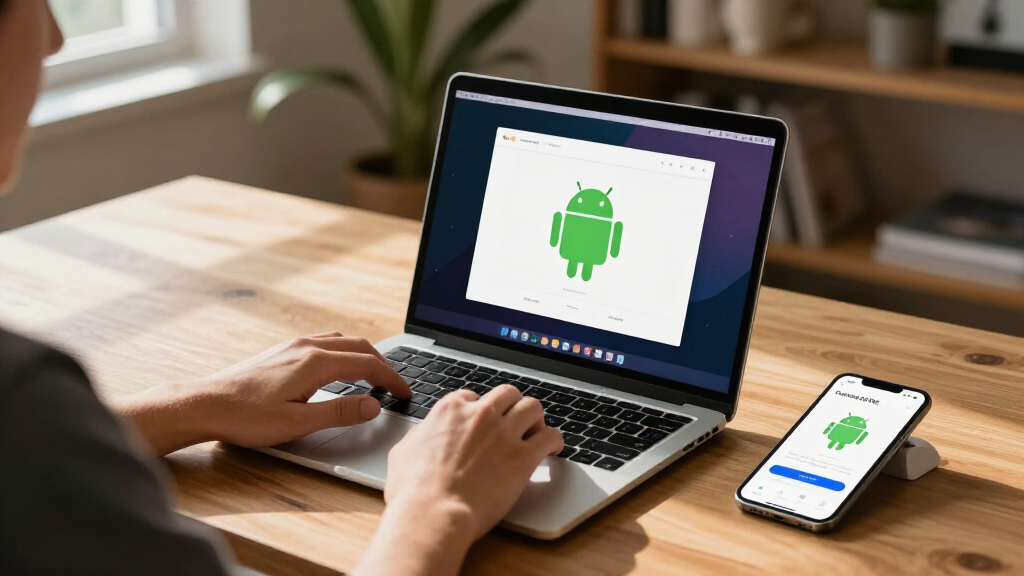
The project says apps open in separate macOS windows, appear in the Dock, can be resized and rotated, and use the Mac’s GPU. It describes its implementation as an Android application environment built directly on macOS, rather than a system that boots Android in the background or interprets each instruction through an emulator. Those are the project’s descriptions; the supplied materials do not include independent performance testing.
Mac.apk requires macOS 26.4 or newer and an Apple Silicon Mac. The project says macOS 27 support works from version 1.0.1702 and that Intel Macs are not supported. Its listed installation process involves downloading a disk image, installing the runtime within the app, and opening Android package files such as APKs. The developer says an app’s first launch can take up to a minute while it is prepared.
The project labels Mac.apk alpha software under active development. Its compatibility list records apps tested by hand, and the developer says some run well, some only partially, and others do not work yet. The project is free to use and licensed under the GNU AGPL v3.0, with a commercial license offered separately.
Android Apps Join the Mac Desktop
Mac.apk offers a different route to using Android software on a Mac: instead of running a full Android device in a virtual machine, it aims to present apps as ordinary desktop windows. If it works reliably for a given app, users could access software that has no macOS version while using familiar Mac features such as the Dock, window resizing and keyboard input.
The project’s claim of native execution does not mean every Android app will behave like a Mac app or work without changes. Compatibility, setup and stability are still app-specific. There is also a significant security distinction: Mac.apk says Android apps run with the permissions of the user’s macOS account, rather than in a phone-style app sandbox. That makes the source of each installed package important.
Android apps for Mac with Apple Silicon
As an affiliate, we earn on qualifying purchases.
As an affiliate, we earn on qualifying purchases.
A Direct Runtime, Not a Virtual Phone
Mac.apk’s stated technical approach is to implement Android’s application environment on macOS. Its repository says it contains an Android framework reimplementation, a native runtime, an arm64 loader and Bionic shim, and an ARM32 recompiler. It also lists third-party components, including graphics-related libraries. This description distinguishes the project from a traditional emulator, but the available project material does not provide independent verification of every performance or compatibility claim.
The repository publishes source code, build instructions and contribution guidance, as well as a manually tested app compatibility list and release-specific known issues. It also says the app is signed and notarized by Apple. These project-provided resources let users inspect development information and report problems, but they do not establish that every APK is safe or that all apps will work.
“Some apps run beautifully, some run partially, and some do not run yet.”
— Mac.apk project page
As an affiliate, we earn on qualifying purchases.
Compatibility and Safety Vary by App
The supplied material does not establish how many Android apps work, how performance compares with Android devices, or how frequently the software will receive updates. The project directs users to a compatibility list and known-issues page, but no independent test results or broader app-support figures are provided here. Support may differ by app, Mac hardware and macOS release.
Security also depends on the APK a user installs. Mac.apk explicitly says there is no phone-style app sandbox and that apps can access files with the permissions of the running macOS account. The project does not audit or vouch for third-party APKs, and it disclaims responsibility for risks including malware or data loss. Users should not treat the software as a secure way to run an untrusted app.
Android emulator for Apple Silicon Mac
As an affiliate, we earn on qualifying purchases.
As an affiliate, we earn on qualifying purchases.
Testing and Updates Will Shape Support
The next practical measure of progress will be the project’s release updates, known-issue reports and compatibility list. Mac.apk asks users to report the app and its source, the Mac.apk and macOS versions, what happened, and relevant logs. Those reports can help show which apps work and where the runtime still has problems.
People considering the software should check the current requirements and release notes before installing it, and use only APKs from sources they trust. The project says development is active, but the source material does not give a timetable for leaving alpha or a commitment about when specific apps will become compatible.
As an affiliate, we earn on qualifying purchases.
Key Questions
What is Mac.apk?
Mac.apk is an open-source project that runs compatible Android apps on Apple Silicon Macs by implementing an Android application environment directly on macOS, according to its project page.
Does it require an Android emulator or virtual machine?
The project says it does not use a conventional emulator, virtual machine or Linux environment. It describes Android apps as running through its runtime as macOS processes; the supplied material does not include independent technical testing.
Which Macs can run Mac.apk?
The listed requirements are macOS 26.4 or newer and an Apple Silicon Mac. The project says Intel Macs are not supported and notes that macOS 27 works from version 1.0.1702.
Will every Android app work?
No. Mac.apk is labeled alpha software, and its developer says support varies: some apps run well, some partially, and some do not run. The project maintains a list of apps it has tested.
Are Android apps sandboxed when run through Mac.apk?
The project says there is no phone-style app sandbox. Apps run with the permissions of the user’s macOS account, so users should install only APKs they trust.
Source: hn