
If you’re a software QA professional new to electronics testing, start by understanding basic concepts like circuit analysis and component recognition. Get familiar with essential tools such as multimeters and oscilloscopes, and learn simple tests like measuring voltage or continuity. Practice troubleshooting common issues like loose cables or faulty parts. Integrate these skills into your workflows and explore advanced techniques gradually. If you keep exploring, you’ll discover how to confidently test hardware and collaborate effectively with engineers.

Get business pricing on monitors, keyboards and dev gear
- Business-only prices and quantity discounts
- Tax-exempt purchasing
- Multiple users, one account, clear invoices
Key Takeaways
- Understand basic circuit components and functions to communicate effectively with hardware teams and troubleshoot hardware issues confidently.
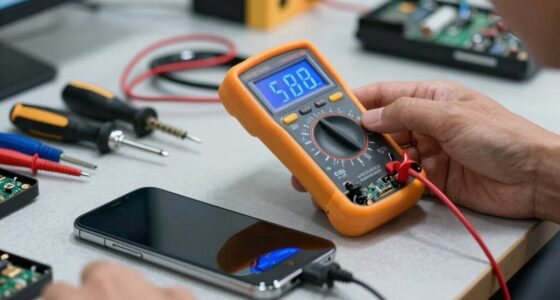
- Learn fundamental testing tools like multimeters and oscilloscopes to perform simple voltage, resistance, and continuity checks.
- Integrate hardware testing into your QA process using automation, real-world scenarios, and clear documentation for efficient validation.
- Collaborate with hardware engineers and stay updated on advanced techniques like high-frequency analysis and environmental stress testing.
- Pursue certifications and continuous learning to build confidence and deepen your understanding of electronics testing principles.
digital multimeter for electronics testing
As an affiliate, we earn on qualifying purchases.
As an affiliate, we earn on qualifying purchases.
Electronics Testing Fundamentals for Software QA Folks
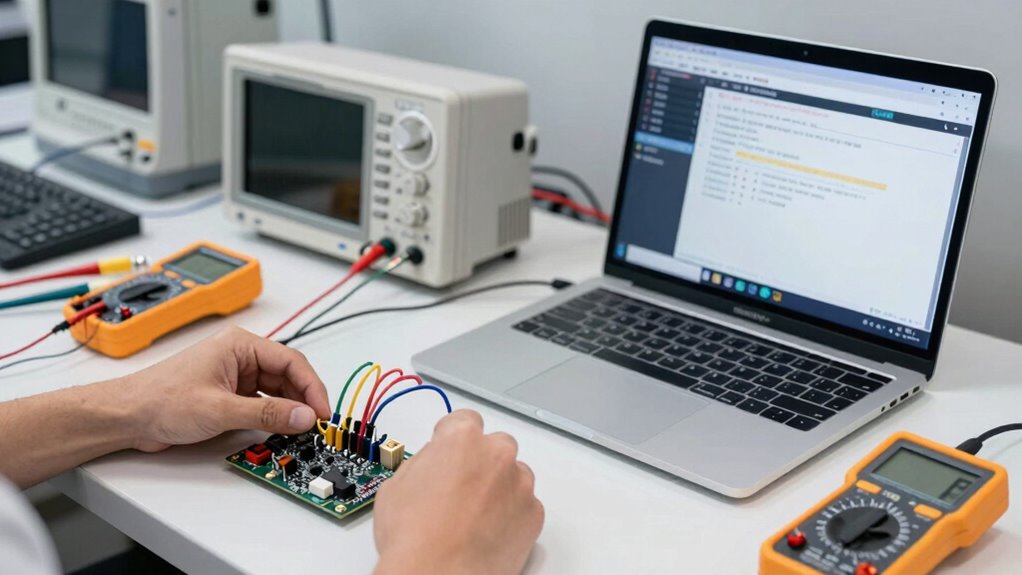
Understanding the fundamentals of electronics testing is essential for software QA professionals working on embedded systems or hardware-related projects. You need to master circuit analysis to interpret how different parts connect and function within a system. This skill helps you identify potential issues and verify correct operation. Component identification is equally important; recognizing various resistors, capacitors, and integrated circuits ensures you know what to test and how each part influences overall performance. By analyzing circuits and identifying components accurately, you can troubleshoot effectively and understand hardware behavior better. This foundational knowledge enables you to communicate more confidently with hardware engineers, streamline testing processes, and improve overall system reliability. Additionally, exploring new content formats can enhance your understanding of diverse testing methodologies and improve your approach to quality assurance.
oscilloscope for hardware troubleshooting
As an affiliate, we earn on qualifying purchases.
As an affiliate, we earn on qualifying purchases.
What Tools Do You Need to Get Started in Hardware Testing?
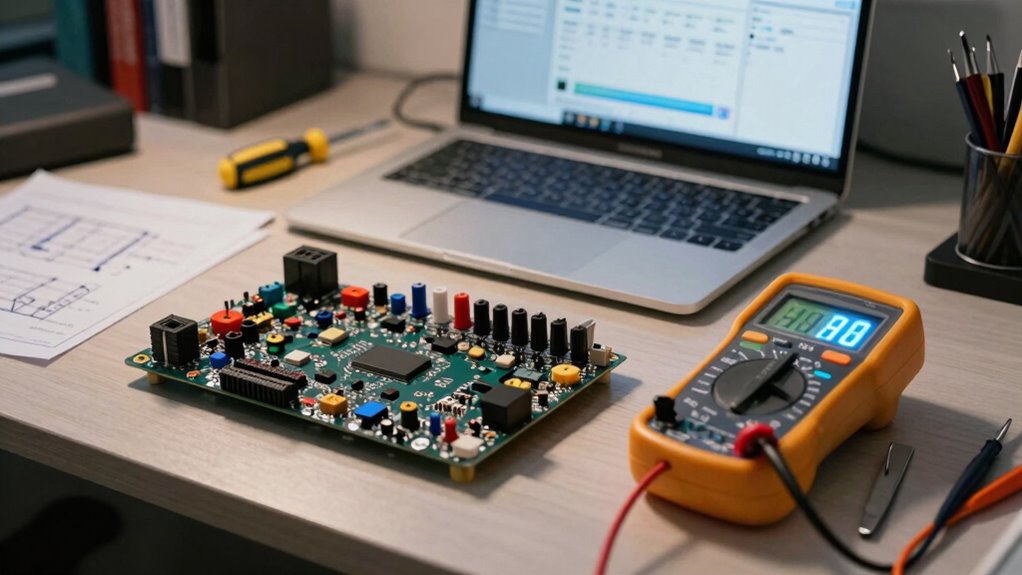
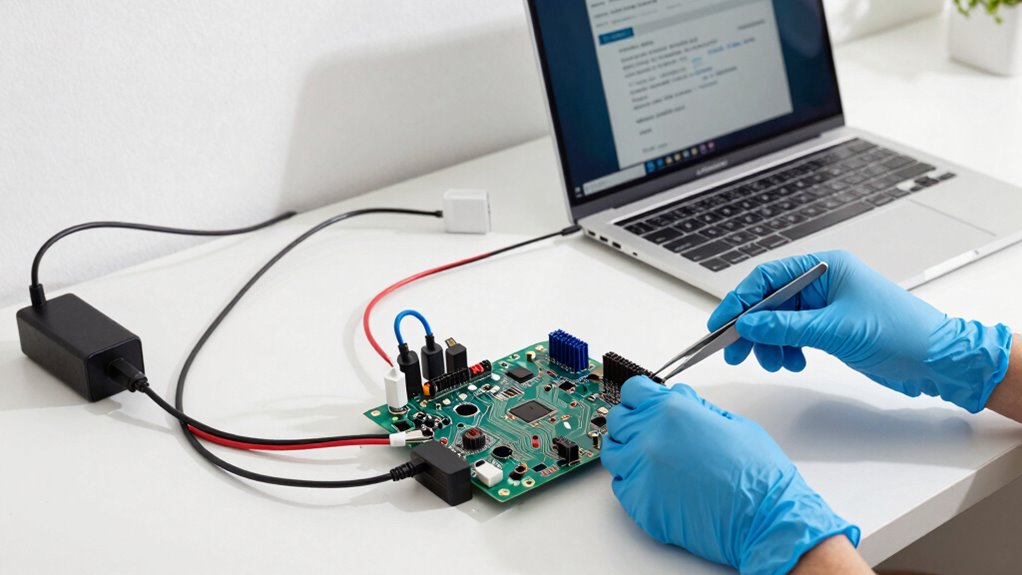
Getting started in hardware testing requires the right set of tools to accurately diagnose and troubleshoot electronic components and circuits. A reliable multimeter is essential for measuring voltage, current, and resistance. A stable power supply allows you to test circuits under controlled conditions, guaranteeing safe operation. For sensor calibration, you’ll need specialized tools like signal generators and calibration kits to verify sensor accuracy and functionality. An oscilloscope helps visualize signals and detect issues in waveforms, making troubleshooting more straightforward. Additionally, test leads, breadboards, and jumper wires facilitate connections and prototyping. Having these fundamental tools ensures you can perform essential hardware tests with confidence, helping you identify faults quickly and improve your understanding of electronic behavior. Furthermore, incorporating data storage solutions into your testing setup can enhance your ability to archive and analyze test results effectively. The use of color accuracy tools can further improve your testing by ensuring that visual components are represented correctly in your assessments.
electronics component tester kit
As an affiliate, we earn on qualifying purchases.
As an affiliate, we earn on qualifying purchases.
How to Conduct Basic Hardware Tests Step by Step?
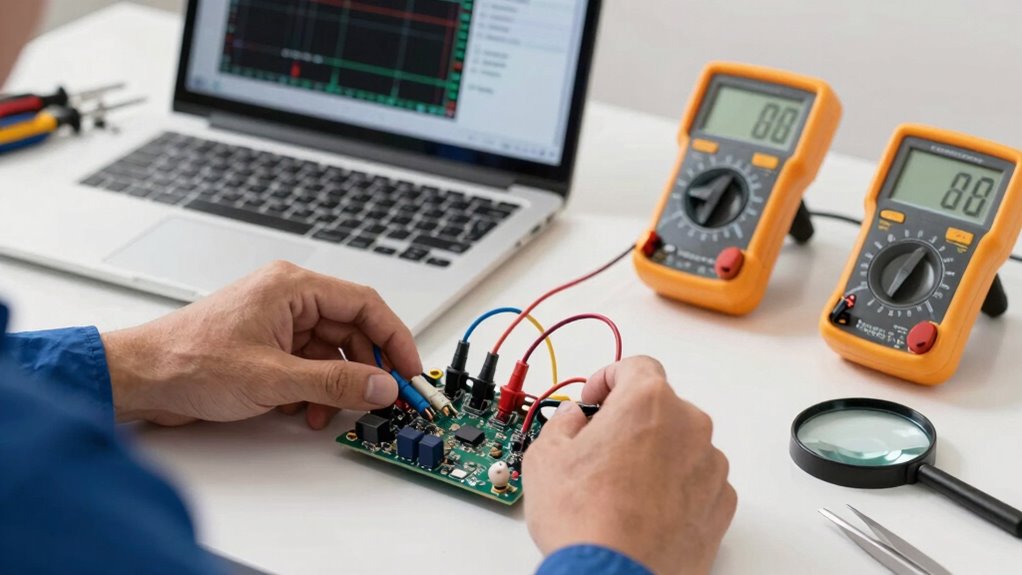
Once you have your tools ready, performing basic hardware tests becomes a straightforward process. Begin by reviewing circuit diagrams to understand the connections and components involved. Use your multimeter to check voltages, resistances, and continuity at key points, ensuring the hardware functions as expected. For more detailed insights, perform signal analysis by connecting your oscilloscope or logic analyzer to relevant test points. This helps verify that signals are within expected ranges and timing is correct. Always document your findings and compare them against the circuit diagrams to identify discrepancies. Keep your tests systematic and focused on critical points to avoid missing issues. With practice, you’ll become confident in diagnosing hardware issues quickly and accurately.
As an affiliate, we earn on qualifying purchases.
Troubleshooting Common Hardware Testing Problems
Troubleshooting Common Hardware Testing Problems
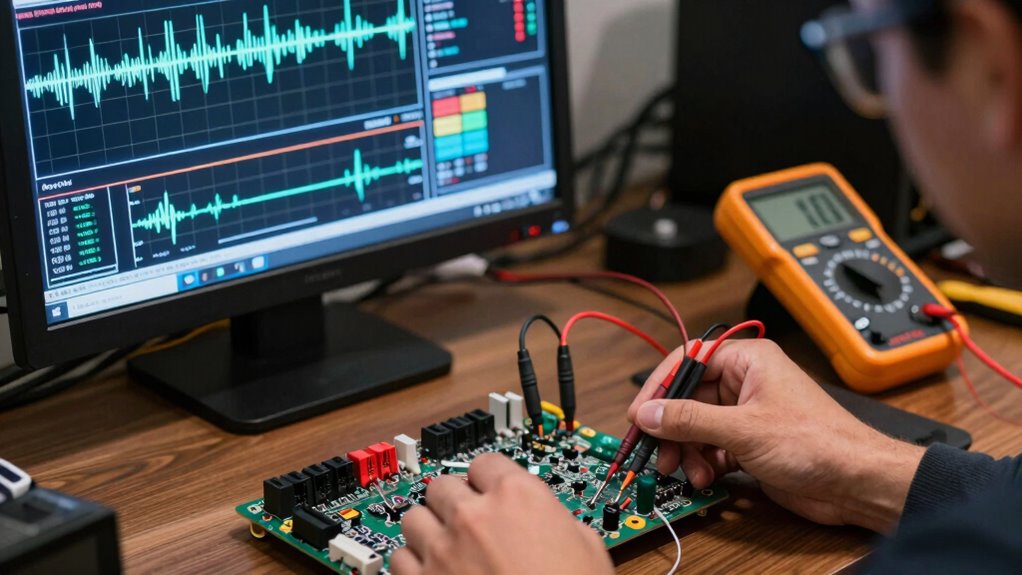
When troubleshooting hardware testing problems, you need to quickly identify the root causes of issues to minimize downtime and guarantee accurate results. Common issues include hardware malfunctions and testing inconsistencies, which can lead to unreliable data. To diagnose effectively, check connections, power supplies, and firmware updates. Additionally, ensuring that your testing environment is puppy-proofed can help prevent unexpected disruptions. Incorporating regional flavors from coffee and tea culture into your workflow can also enhance focus and creativity. Furthermore, understanding Bollywood’s cultural impact can provide unique perspectives that inspire innovative solutions. Paying attention to design details in your workspace can further improve efficiency and comfort. Use the table below to guide your troubleshooting process:
| Issue | Solution |
|---|---|
| Hardware Malfunctions | Inspect physical parts, replace faulty components |
| Testing Inconsistencies | Verify calibration, test environment stability |
| Faulty Connections | Tighten or reconnect loose cables and connectors |
Addressing these problems systematically helps assure your hardware tests are accurate and reliable. Additionally, drawing inspiration from Avi Kaplan’s relationship insights can enhance collaboration and creativity in troubleshooting efforts.
Integrating Hardware Testing Into Your QA Workflow
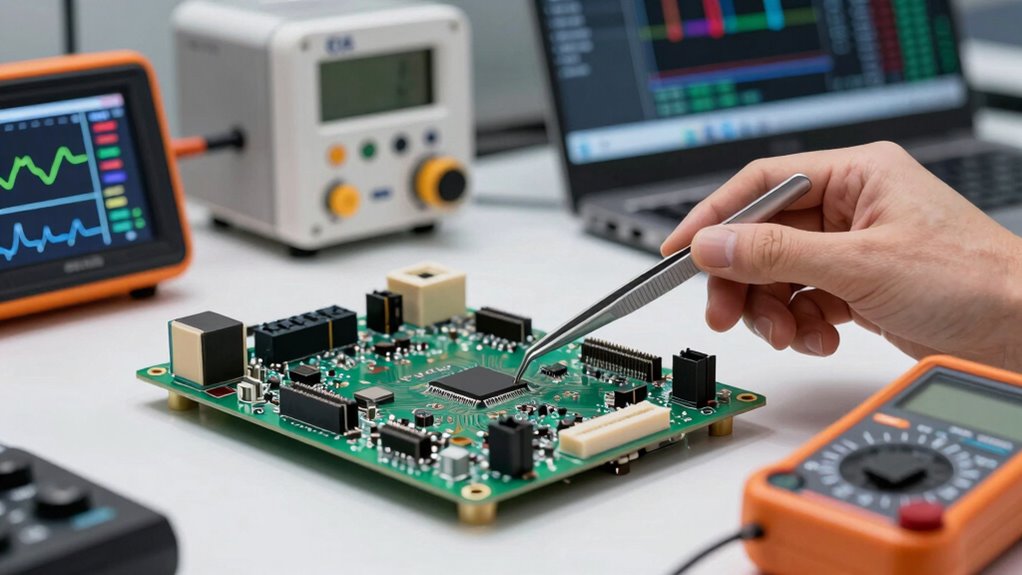
To effectively incorporate hardware testing into your QA workflow, you need to synchronize hardware and software processes so they work seamlessly together. Automating hardware tests can save time and reduce errors, ensuring consistent results. By focusing on these points, you’ll create a more reliable and efficient testing environment. Additionally, understanding comedogenic ratings can help you assess how software may interact with various hardware configurations. Embracing AI-driven strategies can further enhance your testing protocols by identifying potential issues before they arise.
Synchronizing Hardware and Software
Have you considered how hardware and software testing can work together seamlessly within your QA process? Synchronizing these elements guarantees more reliable results and smoother integration. Focus on testing wireless connectivity to verify stable communication between devices and software. Power management testing helps identify how hardware handles energy efficiency, affecting overall system performance. To streamline synchronization:
- Use shared test environments for both hardware and software
- Automate data collection for real-time analysis
- Establish clear communication protocols
- Incorporate hardware-specific test cases early
- Regularly update test scripts to reflect hardware changes
Automating Hardware Tests
Integrating hardware testing into your QA workflow can considerably enhance efficiency and accuracy. Automation allows you to run repetitive tests, like checking wireless protocols or power management features, with minimal manual effort. By scripting tests, you guarantee consistent results and faster feedback. Here’s a quick overview:
| Hardware Aspect | Testing Focus |
|---|---|
| Wireless Protocols | Connectivity, data transfer, interference |
| Power Management | Battery life, power consumption, sleep modes |
| Firmware & Drivers | Compatibility, stability |
| Hardware Durability | Stress testing, longevity |
Automating these tests helps catch issues early, reduces human error, and streamlines your QA process. Embrace automation to make hardware testing straightforward and reliable. Understanding Victorian etiquette can also enhance your team’s collaboration, making communication more effective in technical environments.
Next Steps: Advancing Your Electronics Testing Skills
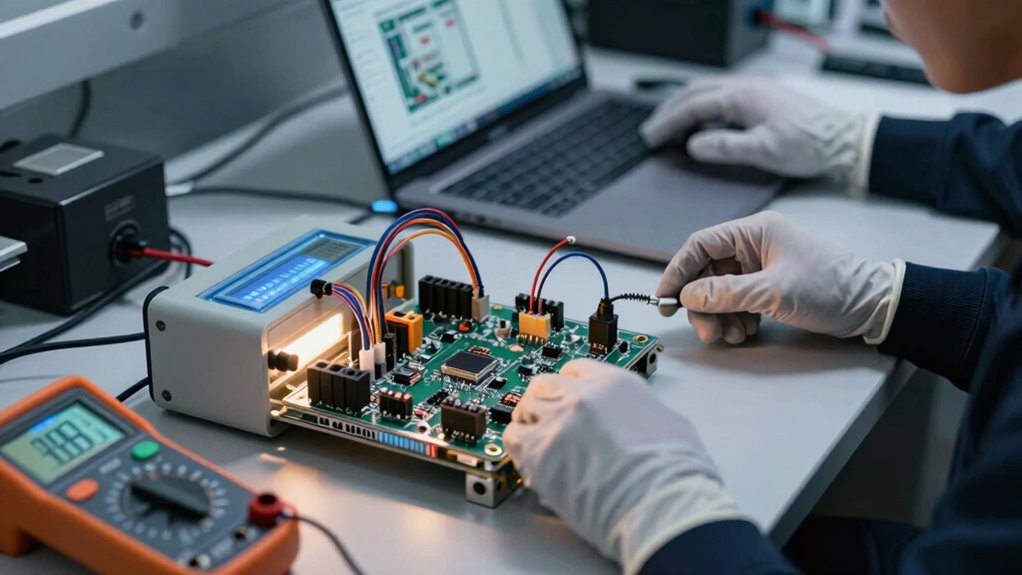
To take your electronics testing skills further, you should explore advanced testing techniques that challenge your current knowledge. Combining hardware and software testing will make your approach more thorough and effective. Consider building a professional certification path to validate your expertise and open new career opportunities. Additionally, understanding ethical implications of testing practices can enhance your decision-making and align with modern consumer values.
Exploring Advanced Testing Techniques
As electronics testing becomes more complex, simply following basic protocols no longer suffices; instead, you need to explore advanced techniques to stay ahead. Advanced testing involves understanding phenomena like quantum tunneling, which affects nanoscale components, and evaluating superconducting circuits critical for quantum computing. These methods require specialized tools and deeper knowledge but can reveal subtle issues overlooked by standard tests. By mastering these techniques, you’ll improve reliability and innovation in cutting-edge electronics.
- Testing for quantum tunneling effects
- Analyzing superconducting circuit performance
- Using high-frequency signal analysis
- Implementing environmental stress testing
- Applying machine learning for fault detection
Integrating Hardware and Software
Bringing hardware and software testing together is essential for achieving thorough electronics validation. You need to guarantee that wireless communication functions reliably across devices, which requires testing both the hardware signals and the software protocols. Simultaneously, focus on power management—checking how efficiently the device conserves energy during various operations helps prevent unexpected failures. Integrating hardware and software tests allows you to identify issues that only surface when both components interact, such as signal interference or power drain. By developing test scripts that simulate real-world scenarios, you gain insights into system performance and stability. This approach helps you catch bugs early, improve device reliability, and ensure seamless user experiences in complex electronics environments.
Building Professional Certification Paths
Are you ready to elevate your electronics testing expertise and stand out in the field? Building professional certification paths helps you showcase your skills and open new career doors. Focus on certifications that cover wireless protocols and circuit design, key areas in electronics testing. These certifications validate your ability to analyze hardware and software integration, especially in complex systems. Look for programs like Certified Electronics Technician (CET), which emphasize circuit design fundamentals, or specialized courses in wireless protocols. Gaining these credentials boosts your confidence and credibility. Plus, they keep you updated on industry standards and best practices. By pursuing targeted certifications, you’ll develop a deeper understanding of electronics testing and strengthen your professional reputation. Remember, continuous learning leads to greater opportunities and growth. Additionally, consider how eco-friendly natural pools can inspire sustainable practices in your projects.
Frequently Asked Questions
How Do I Interpret Hardware Test Results Accurately?
To interpret hardware test results accurately, you need to focus on analyzing voltages and interpreting signals carefully. Start by comparing your measurements against expected values listed in the specifications. Look for inconsistencies or abnormal readings that could indicate issues. Use your testing tools to analyze signals in detail, and always consider the context of the test conditions. This approach helps you identify problems quickly and guarantees reliable hardware performance.
What Safety Precautions Should I Follow During Hardware Testing?
You should never underestimate the importance of safety during hardware testing—ironic, right? Always practice proper grounding to prevent electrostatic discharge, which can damage sensitive components. Use anti-static wrist straps, mats, and handle hardware carefully. Keep your workspace clean, avoid wearing static-prone clothing, and turn off power before connecting or disconnecting hardware. These precautions protect both you and your equipment from costly accidents.
Can Software QA Tools Be Adapted for Hardware Testing?
Yes, software QA tools can be adapted for hardware testing, but automation challenges exist. You’ll need to modify or extend tools to handle hardware-specific tasks like signal analysis and physical inspections. Focus on seamless tool integration to streamline workflows, ensuring software and hardware components communicate effectively. This approach helps you identify issues earlier, improve testing accuracy, and manage complexities that come with hardware testing adaptations.
How Do I Choose the Right Hardware Components for Testing?
You choose the right hardware components by ensuring component compatibility with your testing goals and devices. Assess your testing environment to match hardware specs with your test scenarios. Consider factors like power requirements, interfaces, and durability. Research reliable brands and read user reviews. Start with versatile, easily replaceable parts, then expand based on testing needs. Properly selected components streamline your testing process, making it more efficient and accurate.
What Are Common Hardware Testing Mistakes to Avoid?
Don’t let small mistakes snowball into big problems. You should avoid neglecting hardware calibration, which can lead to inaccurate results, and overlook regular equipment maintenance, risking malfunction. Also, double-check connections and verify proper setup before testing. Remember, a stitch in time saves nine—staying proactive with your hardware ensures reliable, consistent testing outcomes, saving you time and frustration in the long run.
Conclusion
Now that you’ve dipped your toes into electronics testing, think of it as discovering a secret garden of possibilities. With each test you master, you’re adding a new tool to your toolkit, transforming you from a curious beginner into a confident explorer. Keep experimenting, stay curious, and remember—every circuit you troubleshoot is a stepping stone on your adventure. Embrace the journey, and soon you’ll be steering the hardware landscape with ease and finesse.
Evergreen bestsellers Picks
bestsellers
As an affiliate, we earn on qualifying purchases.