Capture cards are devices that let you record or stream video from consoles, TVs, and mobile devices with high quality and low lag. They convert signals via HDMI, USB, or similar interfaces, making it easier to test, capture, and analyze visuals for quality assurance. Different types suit gaming, TV broadcast, or mobile use, with features like 4K support and low latency. If you want to understand how to choose and set one up properly, there’s plenty more to explore.
Key Takeaways
- Capture cards convert video/audio signals from consoles, TVs, or mobile devices into compatible formats for recording or streaming.
- Different types support specific platforms: gaming, TV broadcast, or mobile devices, with features like 4K support and low latency.
- Selecting the right capture card involves considering durability, compatibility, resolution, frame rate, and setup ease.
- Proper calibration, connection checks, and software updates are essential for optimal video quality and performance.
- Future trends include AI features, cloud integration, higher resolutions, and improved reliability for QA testing and content creation.

4K HDMI Capture Card USB 3.0 – 1080P 60FPS Gaming & Streaming Video Capture Card with HDMI Loop-Out, Plug & Play, Low-Latency Recording for PS5/PS4/Xbox/Switch/OBS/PC/Mac
High-Quality Video Capture, 4K HDMI Capture Card Ready:Capture smooth and vibrant video with this 4K HDMI capture card,…
As an affiliate, we earn on qualifying purchases.
As an affiliate, we earn on qualifying purchases.
What Are Capture Cards and How Do They Work?
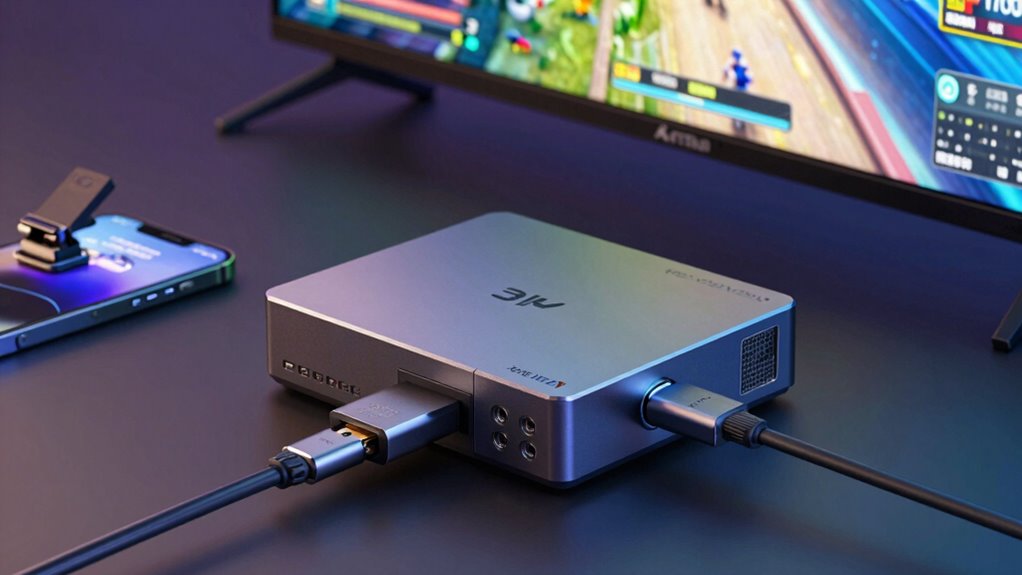
Ever wondered how gamers and streamers capture high-quality gameplay footage? That’s where a capture card comes in. Its core functionality is to receive video and audio signals from your gaming console, PC, or mobile device. The capture card then performs signal conversion, transforming these signals into a format your computer can record or stream. This process guarantees smooth, clear footage without lag or quality loss. The device connects via HDMI or other interfaces, acting as a bridge between your source and your computer. By handling signal conversion efficiently, capture cards let you showcase your gameplay with professional quality. Whether you’re streaming live or recording for later, understanding how these devices work helps you choose the right setup for your needs. Additionally, exploring new frontiers in digital content can enhance your streaming experience and broaden your audience reach.

Capture Card Nintendo Switch, 4K HDMI Video Capture Card, 1080P 60FPS, HDMI to USB 3.0 Capture Card for Streaming Work with Camera/Xbox/PS4/PS5/PC/OBS
【1080P HD High Quality】Capture resolution up to 1080p for video source and it is ideal for all HDMI…
As an affiliate, we earn on qualifying purchases.
As an affiliate, we earn on qualifying purchases.
Which Capture Card Is Right for Your Gaming or Media Platform?
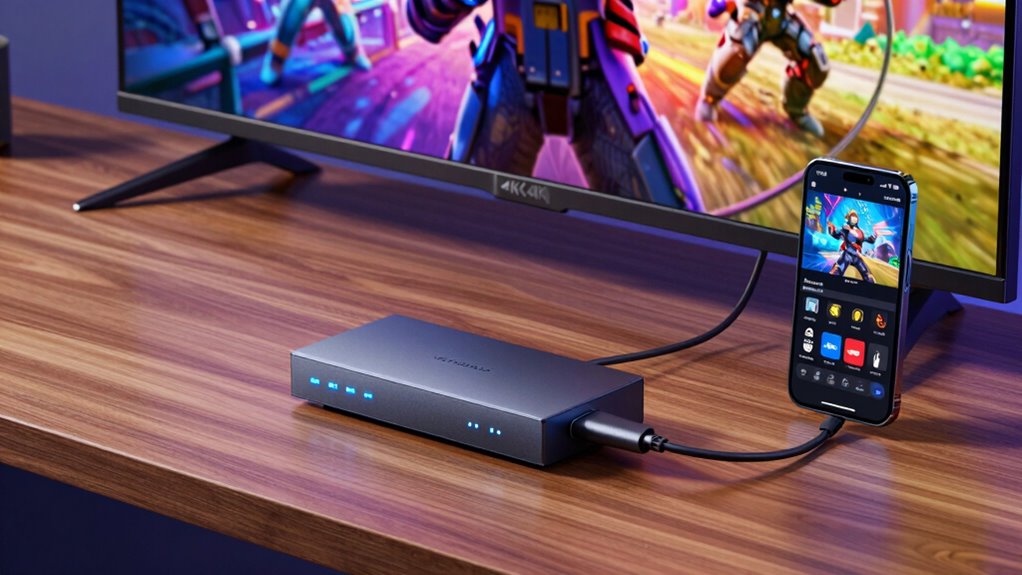
Choosing the right capture card depends on the gaming or media platform you use, as different devices have specific requirements. For consoles like PlayStation or Xbox, look for a capture card with good durability to handle frequent use and potential travel. If you’re streaming from a TV or mobile device, prioritize a model that’s cost-effective without sacrificing essential features. Consider the build quality to guarantee longevity, especially if you plan to use it regularly. Additionally, high refresh rates can enhance your gaming experience by providing smoother visuals during gameplay. Supprim fabric’s eco-friendly options can also be an inspiration for stylish gaming accessories. Creating a comfortable and inviting seating area can further improve your gaming or streaming setup. Mobile platforms might need compact, lightweight options, while desktop setups can accommodate more robust models. Balancing durability and cost-effectiveness helps you select a capture card that fits your needs and budget, securing reliable performance whether you’re recording gameplay or streaming media. Additionally, stain removal tips can be useful for keeping your gaming area tidy and presentable.

Guermok Video Capture Card, 4K USB3.0 HDMI to USB C Capture Card for Streaming, 1080P 60FPS, Compatible with iPad Mac OS Windows, Quest 3, OBS, PS5/4, Switch2/1, Xbox, Camera (Silver)
【1080P 60FPS Video Capture Card】 This HDMI game capture card is based on USB3.0 high speed transmission port,…
As an affiliate, we earn on qualifying purchases.
As an affiliate, we earn on qualifying purchases.
Key Features to Look for in a Capture Card for QA

When choosing a capture card for QA, you need to guarantee it works smoothly with your devices and setup. Pay close attention to video quality and resolution to make sure your recordings are clear and accurate. These features are essential for reliable testing and analysis.
Compatibility With Devices
Ensuring your capture card is compatible with your devices is essential for seamless operation in QA testing. You need to verify device compatibility to prevent connection issues and ensure smooth data transfer. Check if the capture card supports your console, TV, or mobile device’s ports and specifications. Software integration is equally important; the capture card should easily integrate with your testing tools and workflows. Compatibility issues can cause delays or data loss, so selecting a card that matches your device ecosystem saves time and effort. Confirm that the capture card’s drivers and software are compatible with your operating system. By focusing on device compatibility and software integration, you ensure a reliable setup for accurate testing and efficient workflow. Additionally, consider the importance of document safety to protect your data during the testing process. Ensuring early socialization is part of your device setup can help prevent future compatibility issues. Exploring unique recipes for busy parents can also enhance your overall efficiency during testing sessions. Moreover, leveraging smart home technology can streamline your testing environment, allowing for a more organized and efficient workflow. Incorporating mind-body healing practices, such as yoga, can also help maintain focus and reduce stress during intense testing periods.
Video Quality and Resolution
Are you getting the best possible image quality from your capture card? High resolution is essential for accurate QA, so look for a device that supports 4K or higher for sharp detail. Frame interpolation can improve motion clarity, reducing blurriness during fast-paced scenes, but it’s not always necessary for QA purposes. Consider how well the capture card handles color grading, as accurate colors are critical for testing visual fidelity. A good capture card should deliver consistent frame rates and minimal latency to ensure the footage reflects real-time performance. Keep in mind that higher resolutions and advanced features like frame interpolation demand more processing power, so choose a card that balances quality with your system’s capabilities. This guarantees you capture clear, true-to-life images for thorough testing.

UGREEN 2K@30Hz 1080P 60FPS Video Capture Card 4K Input HDMI to USB 3.0 A and USB C Capture, Low Latency Capture Card for Streaming Game Recording Compatible with Switch 2/Xbox/PS4/PS5/PC/Camera
2K 30FPS & 1080p 60FPS HDMI Capture Card: The 4K@30Hz input and 2K@30Hz output resolutions offer dual benefits….
As an affiliate, we earn on qualifying purchases.
As an affiliate, we earn on qualifying purchases.
Capture Card Types for Gaming, TV, and Mobile Testing

When selecting a capture card for testing, you need to take into account features tailored for gaming, TV, or mobile devices. Compatibility with streaming platforms and your devices guarantees smooth testing workflows. Understanding these different types helps you choose the right capture card for your specific testing needs.
Gaming Capture Card Features
Gaming capture cards come with a variety of features tailored specifically for high-performance gaming, TV, and mobile testing. The capture card design often focuses on low latency, high resolution, and smooth frame rates to guarantee seamless gameplay recording and streaming. You’ll want a device that supports 4K or higher for detailed visuals and fast refresh rates for competitive gaming. The user interface is vital; look for intuitive software that makes capturing, editing, and streaming straightforward, even if you’re new to the process. Many models include customizable settings, such as audio mixing and overlays, to enhance your streams. Overall, the best gaming capture cards combine robust hardware with a user-friendly interface, making sure you can focus on testing without technical distractions.
TV and Streaming Compatibility
Choosing the right capture card for TV and streaming compatibility guarantees smooth integration with your devices and platforms. To stream on services like Twitch or YouTube, confirm your capture card supports common broadcast standards such as HDMI or SDI. Compatibility with streaming services depends on the card’s ability to deliver high-quality, low-latency feeds. Some cards are optimized for broadcast standards, ensuring seamless streaming and recording. Here’s a quick comparison:
| Feature | Details |
|---|---|
| Supported Broadcast Standards | HDMI, SDI, or composite for different devices |
| Streaming Service Compatibility | Works with platforms like Twitch, YouTube |
| Resolution & Frame Rate | 1080p60, 4K30, or higher for quality streams |
Incorporating the latest in wall art trends can enhance your streaming setup, creating a visually appealing backdrop. Select a card that aligns with your streaming needs and broadcast standards for the best experience.
Mobile Device Integration
Integrating mobile devices into your testing setup requires selecting capture cards that support various phone and tablet connections. Look for options that offer reliable mobile device security to protect sensitive data during testing. These capture cards should have sufficient storage capacity to handle high-quality recordings without interruption, especially when capturing long gaming sessions or app demonstrations. Compatibility with different connection types—such as USB-C, Lightning, or HDMI—is essential to guarantee seamless integration across devices. Additionally, consider options that provide competitive pricing to ensure you get the best value for your investment. Prioritize capture cards that are easy to set up and provide high frame rates for smooth testing. By choosing the right mobile capture solution, you can efficiently test games, apps, and streaming functionality while maintaining data security and managing storage needs effectively. Furthermore, understanding the importance of milk steaming techniques can enhance your overall testing experience by ensuring that all elements of your setup, including beverage preparation, are optimized for quality. Moreover, consider the need for data security measures to safeguard your investments during testing sessions. Additionally, investing in quality craftsmanship can significantly improve the longevity and performance of your equipment, ensuring a more reliable testing process. The choice of capture card can also impact printmaking paper texture, which is crucial for achieving the desired output quality in your projects.
Top Capture Card Brands and Models for QA Testing
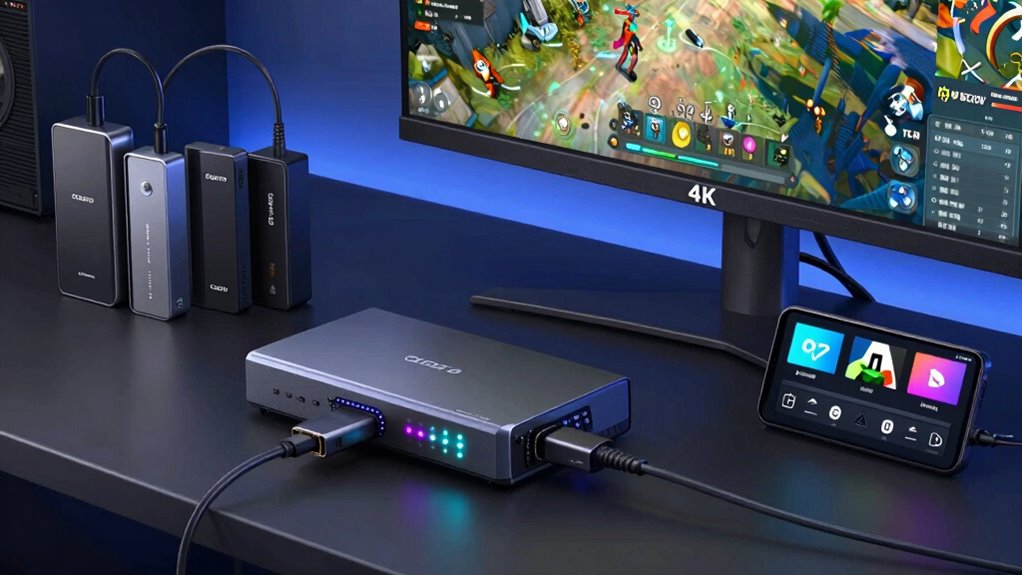
When selecting a capture card for QA testing, focusing on brands and models known for reliability, image quality, and compatibility is vital. Top brands like Elgato, AVermedia, and Razer offer models such as the Elgato HD60 S+, AVerMedia Live Gamer 4K, and Razer Ripsaw HD, which are favorites among testers. These brands also provide essential capture card accessories, like mounting kits and extension cables, to enhance setup flexibility. In brand comparisons, you’ll notice differences in latency, resolution support, and software features, helping you choose the best fit for your testing environment. Additionally, ensuring home safety while setting up your equipment can prevent accidents and improve efficiency. Exploring product roundups can help you identify the most suitable options for your needs. Prioritizing reputable brands guarantees consistent performance and durability, making your QA process smoother and more reliable. Furthermore, considering lightweight foundations can improve your overall testing setup by ensuring your equipment remains portable and efficient. Additionally, understanding real-world applications of different capture cards can influence team dynamics during testing sessions.
How to Set Up Your Capture Card for Accurate Recording
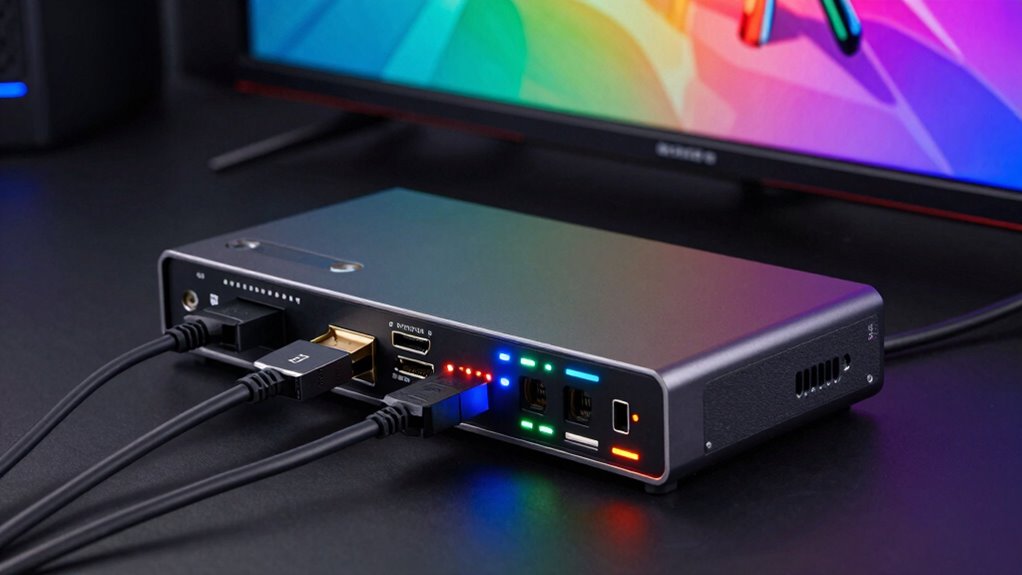
Setting up your capture card correctly is essential for guaranteeing accurate recordings during QA testing. Start with proper capture card installation by connecting it securely to your console, TV, or mobile device, and your PC or recording setup. Once installed, access the calibration settings to optimize video and audio quality. Adjust resolution, frame rate, and color settings to match your testing requirements, ensuring the captured footage reflects real gameplay accurately. Make certain to disable any automatic image processing features that could alter the video output. Regularly review your calibration settings and update them if you change devices or testing parameters. Proper setup ensures reliable, precise recordings, reducing errors and making QA testing more efficient. Additionally, maintaining your gear, such as ride clothes care, can enhance your overall recording experience and longevity of your equipment. For optimal performance, consider using enterprise USB backups to store your captured footage securely. Knowing about comedogenic ratings can also help you choose the right products for maintaining your equipment and ensuring it stays in top condition.
Troubleshooting Common Capture Card Issues
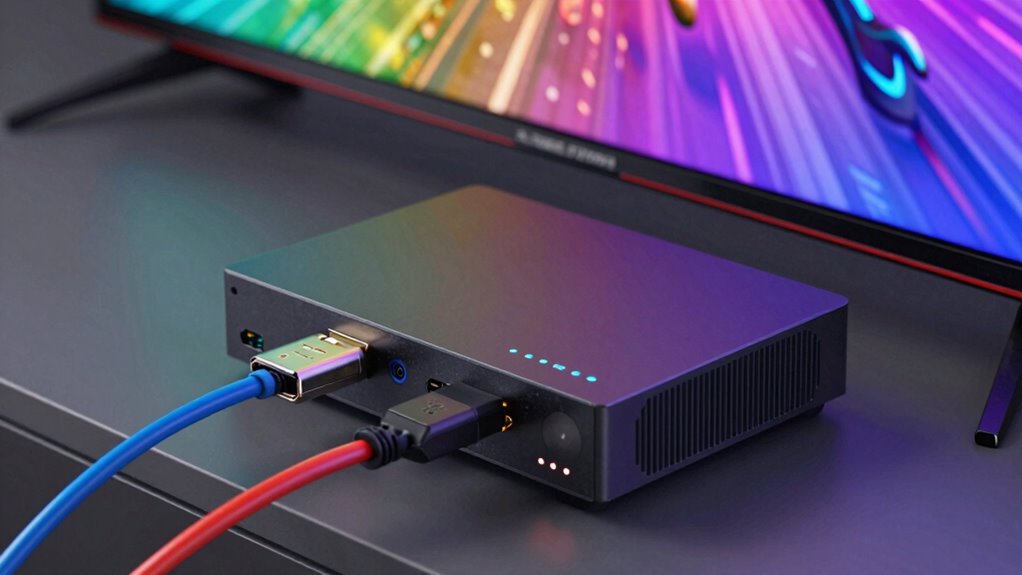
Are you experiencing issues with your capture card not detecting signals or producing poor quality footage? First, check the user interface of your capture software—sometimes, settings can be misconfigured, causing signal loss or degraded video. Confirm your device drivers are up to date, as outdated drivers can lead to compatibility problems. If your footage is pixelated or laggy, consider the capture card pricing; cheaper models might lack the necessary bandwidth or features. Also, verify all connections—loose or damaged cables often cause issues. If problems persist, test your capture card on a different system to rule out hardware faults. Adjust settings within the user interface, such as resolution and frame rate, to improve quality. Troubleshooting these common issues can greatly enhance your recording experience.
Optimizing Video Quality and Performance in QA
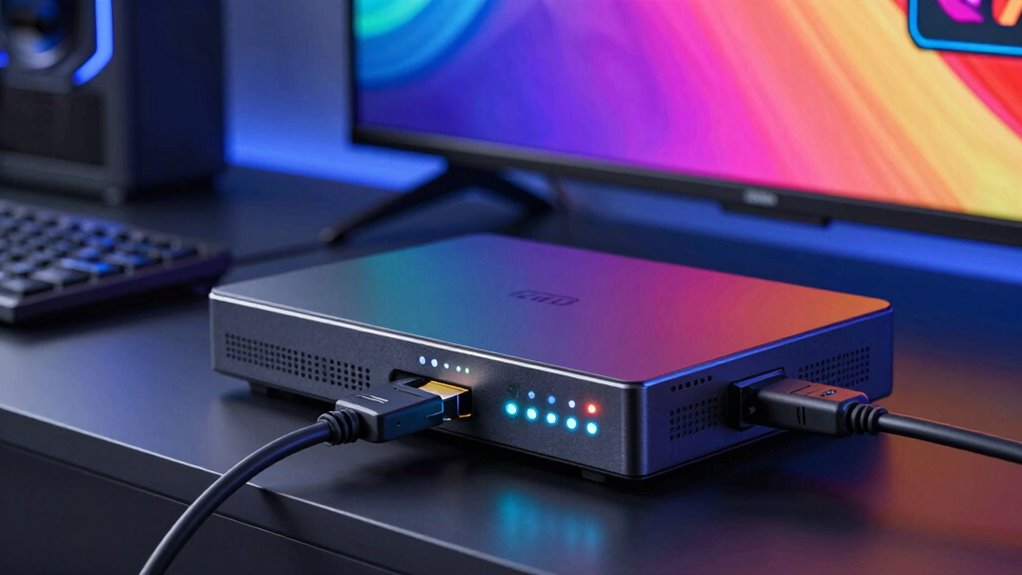
Once you’ve addressed common issues with your capture card, the next step is to enhance your video quality and performance. To do this, leverage the capture card advantages, such as hardware acceleration and efficient video encoding, which help deliver smoother, clearer streams. Adjust your settings to balance resolution, frame rate, and bit rate for superior quality without overloading your system. Use a codec that offers high compression efficiency, like H.264 or H.265, to improve video encoding performance while maintaining clarity. Make sure your graphics drivers and capture card firmware are up to date, as updates often include performance improvements. Properly configuring these elements ensures your QA process captures high-quality footage, reducing lag and artifacts, and providing an accurate representation of gameplay or content.
Future Trends in Capture Card Technology for Gaming and Multimedia
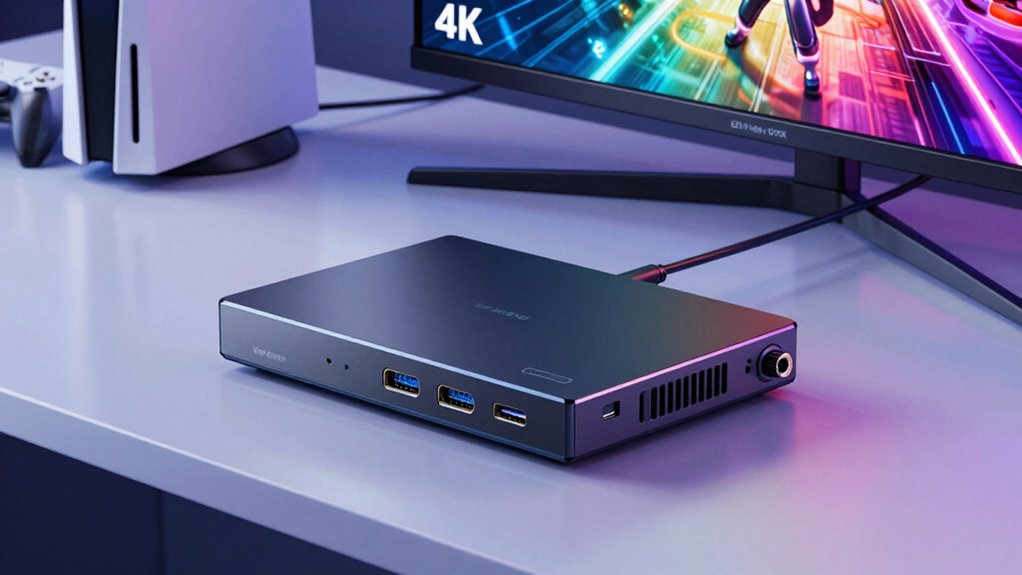
As technology continues to advance, future capture cards are expected to deliver even higher quality and efficiency for gaming and multimedia applications. Quantum computing could revolutionize data processing, enabling real-time encoding and decoding at unprecedented speeds, reducing latency and improving stream fidelity. Additionally, cloud storage integration will become more seamless, allowing you to offload large video files instantly and access content remotely without local hardware limits. These innovations will enhance your ability to capture, edit, and share high-resolution footage effortlessly. Expect smarter, more adaptable capture cards that leverage artificial intelligence for automatic scene detection and quality adjustments. Overall, these trends promise to make capturing gameplay and multimedia content more reliable, scalable, and future-proof, empowering you to elevate your QA and content creation workflows.
Frequently Asked Questions
How Do I Ensure Compatibility Between My Device and the Capture Card?
To guarantee device compatibility with your capture card, first check its specifications for supported connection standards, like HDMI or USB. Verify that your device, whether a console, TV, or mobile, uses the same standards. Also, confirm the capture card supports your device’s resolution and output format. By matching these details, you prevent issues and ensure smooth recording or streaming. Always consult the manufacturer’s compatibility list for added assurance.
What Software Is Best for Capturing and Analyzing Test Footage?
You’ll want software that balances video compression with detailed analysis, like OBS Studio or ShadowPlay. These tools help you capture high-quality footage while managing file sizes for easier organization. Good software also offers features to analyze test footage, such as frame-by-frame review or metadata insights. By choosing reliable programs, you streamline file organization and guarantee your captured videos maintain clarity, making testing and troubleshooting more efficient.
Can Capture Cards Record Multiple Sources Simultaneously for QA?
Yes, capture cards can record multiple sources simultaneously for QA. They enable multi-source recording, allowing you to capture footage from various devices or screens at once. With simultaneous capture, you can monitor and analyze different test scenarios in real-time, which improves testing efficiency. Just make certain your capture card supports multi-source recording features and has enough bandwidth and ports to handle your specific setup effectively.
How Do I Securely Store and Manage Large Video Files?
To securely store and manage large video files, you should use data encryption to protect sensitive content. Cloud storage solutions offer scalable options for handling big files, making access and sharing easier. Make certain you choose a reputable provider with strong security measures. Regularly back up your files and monitor access permissions to prevent unauthorized use. This combination keeps your videos safe, organized, and easily accessible for QA purposes.
What Security Considerations Are There When Using Capture Cards in Testing Environments?
Think of your capture card setup as a guarded treasure chest. You need to lock it with strong encryption protocols to prevent unauthorized access and guarantee data confidentiality. Implement access controls so only trusted team members can open it. Regularly update your security measures, monitor for breaches, and keep logs. By treating your setup like a precious vault, you protect sensitive test data and maintain the integrity of your testing environment.
Conclusion
Now that you’re equipped with the knowledge about capture cards, you’re ready to plunge into seamless recording and testing. Think of your capture card as the bridge connecting your device to the world, ensuring your gaming or media content shines brightly. With the right setup and features, you’ll turn your QA process into a smooth sailing voyage, steering through any challenge with confidence. Embrace the tech, and let your content tell its story without missing a beat.