
TL;DR

Get business pricing on monitors, keyboards and dev gear
- Business-only prices and quantity discounts
- Tax-exempt purchasing
- Multiple users, one account, clear invoices
BetterWispr has been presented on Hacker News as a free, open-source dictation app for macOS 14 and later. It uses downloadable speech models on the Mac, offers configurable text cleanup and app-specific writing styles, and requires no account; support and performance vary by model, language and hardware.
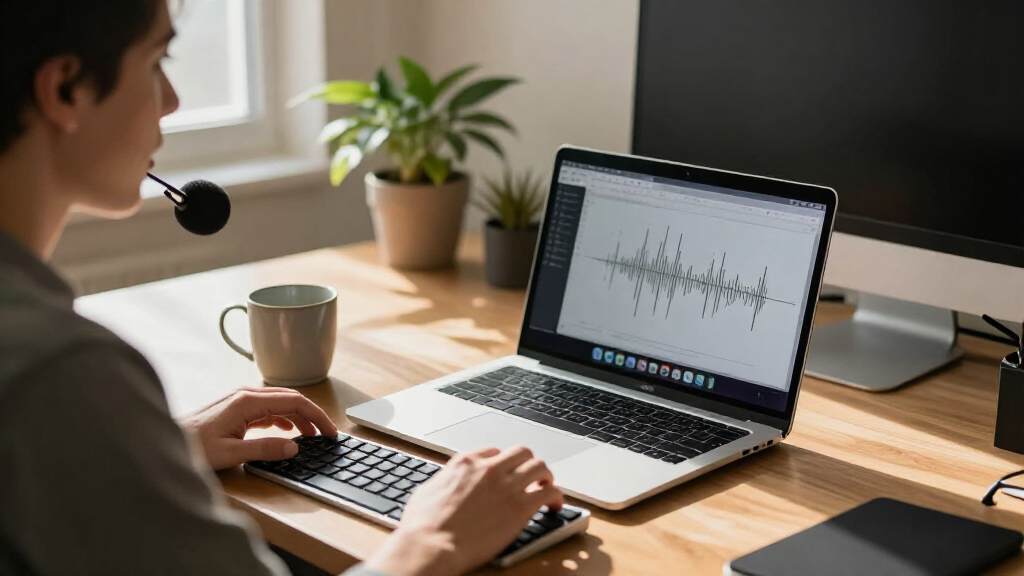
BetterWispr has been presented in a Hacker News Show HN post as a free, open-source dictation app for Mac that transcribes speech on the computer and inserts text into the app the user is working in. The developer says it requires macOS 14 or later, needs no account, and can work offline after a compatible model is installed.
The app is controlled by a keyboard shortcut: users focus a text field, hold Option + Space while speaking, then release to finish recording. BetterWispr transcribes after recording stops rather than displaying words live as the user talks. The developer says text is pasted into the active app when possible; if an app blocks insertion, users can copy the transcript from the dashboard.
BetterWispr lists nine built-in speech models from Apple speech, Parakeet and Whisper. It also offers the option to connect to Sarvam AI, Smallest AI or an OpenAI-compatible API. Local models are downloaded to the Mac and run there, according to the product site. The site says no cloud transcription fallback is used for local dictation, while third-party services are available if users choose to configure them.
Text handling is adjustable. The default Light cleanup removes English filler words, repetitions and false starts; None keeps the original wording, while Medium can also edit for clarity using a selected notes model. Users can set different tones for different apps and add names or terms as hints. The app also advertises meeting transcription, voice commands in English, local history controls and usage insights. BetterWispr is released under the Apache 2.0 license.
Local Dictation Without a Subscription
BetterWispr offers Mac users another option for turning speech into text without sending routine transcription to a cloud service, provided they select and install a compatible local model. That approach may appeal to people handling sensitive writing or working offline, though local processing does not by itself establish how every optional feature or external provider handles data.
The free, open-source license also gives developers and users a way to inspect the code and build the app themselves, according to the project. The practical trade-offs are hardware use, model downloads and varying language coverage. Apple Silicon is recommended, and the developer says performance and model availability depend on the Mac, selected model and language.
Products Worth Considering

DJI Mic 2 Wireless Microphone System (2 Transmitters, Receiver, Charging Case)

Logitech MX Master 4 Ergonomic Wireless Mouse with Haptic Feedback, Graphite

Bose QuietComfort Wireless Noise Cancelling Headphones, Black
As an affiliate, we earn on qualifying purchases.
How BetterWispr Handles Speech
The product combines recording, transcription and optional editing in a desktop workflow. Users grant microphone permission to record; Accessibility permission enables insertion into other apps, while Apple speech requires Speech Recognition permission. The developer says users can manage those permissions in macOS System Settings.
Language support depends on the chosen model. The product site says Parakeet TDT v3 supports 25 European languages, a separate Parakeet model supports Japanese, and Whisper offers broader multilingual recognition. Cleanup, writing styles and voice commands are described as English-only. Apple speech depends on the user’s locale and required operating-system assets.
The site’s animated typing example is explicitly labeled an illustration, not a benchmark. It assumes simulated typing at 40 words per minute and speaking at 150 words per minute, including time for transcription. It should not be read as measured evidence of BetterWispr’s speed or productivity gains.
““Speech stays on your Mac.””
— BetterWispr product site
Performance and Data Boundaries
The available source is the product’s own site and launch description; it provides no independent testing, user measurements or detailed technical audit. Real-world accuracy, latency and resource use are not established by the supplied material, and will depend on hardware, speech, language and model selection.
The project says local models run on the Mac and that there is no cloud fallback for transcription. However, users may configure third-party APIs, and the source does not provide a full feature-by-feature data-flow audit or explain every provider’s retention practices. It is also unclear from the supplied material how many people have installed the app or how it has performed since launch.
Testing and Project Updates
Readers considering the app can review its source, report issues or build it themselves, according to the project, and test a model against their own voice and language. BetterWispr requires macOS 14 or later, with Apple Silicon recommended; users also need to install model files before offline use.
The developer says updates are distributed through GitHub Releases using Sparkle and installed only when an EdDSA signature matches. The source gives no schedule for future releases or independent evaluation. Further information about compatibility, accuracy and user feedback will depend on testing and subsequent project updates.
Key Questions
Is BetterWispr free?
Yes. The project says it is free and open source under the Apache 2.0 license, with no dictation subscription, account or API key required for its built-in options. Model files use storage on the Mac.
Does BetterWispr send recordings to the cloud?
The developer says built-in local models transcribe on the Mac and have no cloud transcription fallback. Users can separately choose to connect external APIs; those services are not the same as local processing.
Which Macs and languages does it support?
BetterWispr requires macOS 14 or later, and Apple Silicon is recommended. Language support varies by model: the site lists Parakeet coverage for European languages and Japanese, and broader multilingual recognition for Whisper. Apple speech depends on locale and installed assets.
Does it show words as I speak?
No. The product description says transcription starts after recording stops. The default shortcut is Option + Space: hold it to speak and release it to finish.
Can I keep my exact wording?
Yes. Users can choose None for cleanup to keep every word, or select Light to remove English filler words, repetitions and false starts. Medium can also edit English for clarity using a selected notes model.
Source: hn