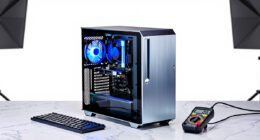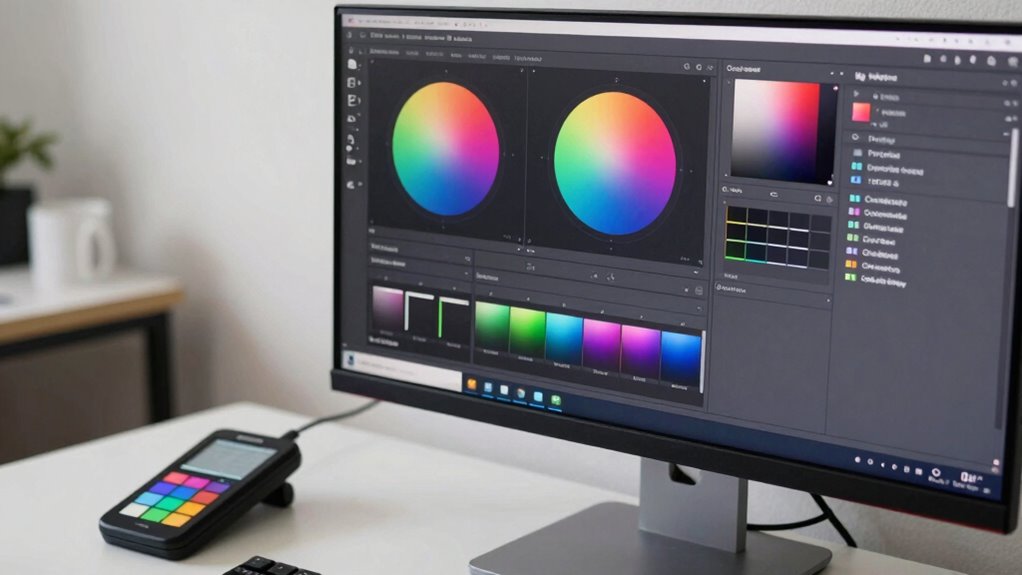

To guarantee color accuracy in UI testing, you need a simple, consistent calibration workflow that most teams skip. Start by using reliable calibration tools and adjust your display settings in a controlled environment with proper lighting. Regularly reprofile your screens and avoid ignoring ambient lighting or workspace conditions. Proper calibration reduces guesswork and guarantees color consistency across devices. If you stick with these basics, you’ll improve your accuracy—and there’s more essential tips ahead to help you succeed.
Key Takeaways
- Many teams neglect routine calibration, leading to inconsistent and inaccurate color representation across devices.
- Proper calibration involves using dedicated tools and software to match display output to color standards.
- Controlling ambient lighting and workspace environment is often overlooked but crucial for accurate color testing.
- Regular reprofile and validation ensure ongoing color accuracy and prevent drift over time.
- Creating a simple, repeatable calibration workflow reduces guesswork and enhances UI color fidelity.

Calibrite Display Pro HL Monitor Calibration Colorimeter for LCD Mini LED and OLED Displays, Measure up to 3000 Nits, PROFILER Software, USB C with Adapter, Validation/Color Uniformity Tools
SPECIFICATIONS: HL high luminance sensor colorimeter measures up to 3000 nits, calibrates and profiles LCD mini LED OLED…
As an affiliate, we earn on qualifying purchases.
As an affiliate, we earn on qualifying purchases.
Why Color Calibration Is Critical for UI Testing
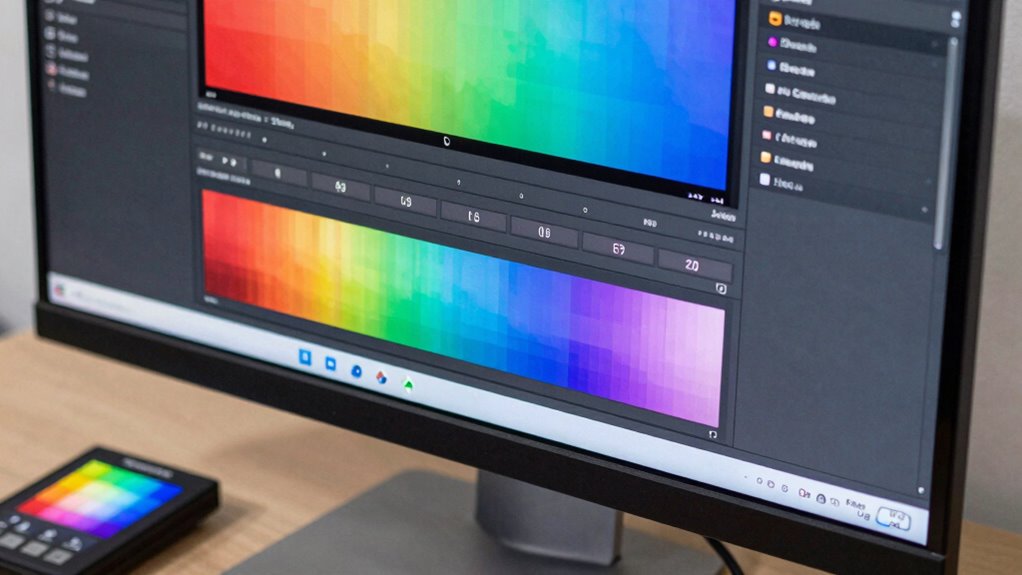
Color calibration is vital for UI testing because even small discrepancies can substantially impact user experience. Your perception of color depends heavily on display technology, which can vary between devices. Without proper calibration, colors may look different across screens, leading to inconsistent user interactions. Accurate color perception guarantees that your design’s intent is preserved, making interfaces more reliable and visually appealing. Variations in display technology—like LCD, OLED, or retina displays—affect how colors are rendered. Calibration helps standardize these differences, so colors appear consistently regardless of device. This consistency is essential for branding, accessibility, and overall usability. When you calibrate your screens, you reduce guesswork, improve precision, and deliver a seamless experience that matches your design specifications. Furthermore, exploring digital concepts can enhance your understanding of how color accuracy influences user engagement. Additionally, incorporating mind-body healing techniques can elevate your team’s focus and creativity during the testing process. Investing in car protection accessories can also ensure that your vehicle’s design remains visually appealing over time, just as color accuracy does for digital interfaces. Moreover, understanding traditional techniques used in crafting items like Indonesian masks can deepen your appreciation for color nuances in design. Proper calibration can also enhance your confidence in urban traffic environments, ensuring that all visual elements are consistently represented.
Calibrite Display Pro HL Monitor Calibration Colorimeter for LCD Mini LED and OLED Displays, Measure up to 3000 Nits, PROFILER Software, USB C with Adapter, Validation/Color Uniformity Tools
SPECIFICATIONS: HL high luminance sensor colorimeter measures up to 3000 nits, calibrates and profiles LCD mini LED OLED…
As an affiliate, we earn on qualifying purchases.
As an affiliate, we earn on qualifying purchases.
How to Set Up a Simple Screen Calibration Workflow

Setting up a straightforward screen calibration workflow guarantees your displays show consistent and accurate colors, which is essential for reliable UI testing. Begin by choosing a calibration tool or software designed for display profiling. Use it to measure your screen’s current color perception and identify discrepancies. Adjust your display settings, such as brightness, contrast, and RGB levels, to match standard color profiles or reference images. Repeat the process to guarantee the adjustments are precise. Keep calibration consistent across all devices used for testing. Regularly reprofile your displays to maintain accuracy over time. This simple workflow minimizes color inaccuracies, assuring your UI elements appear as intended. Proper display profiling helps you catch visual issues early, saving time and improving overall quality. Additionally, consider how color accuracy influences the overall image quality of your projectors for a more comprehensive evaluation.

Calibrite Display 123 Monitor Calibration Colorimeter for Photo Editing and Color Accurate Viewing, Easy 1 2 3 Software Workflow, USB C Connection, and Before and After Check, Supports 2 Displays
SPECIFICATIONS: Monitor calibration colorimeter with Easy 1 2 3 software workflow, USB C connection, compact body approx. 34mm…
As an affiliate, we earn on qualifying purchases.
As an affiliate, we earn on qualifying purchases.
Common Color Calibration Mistakes to Avoid
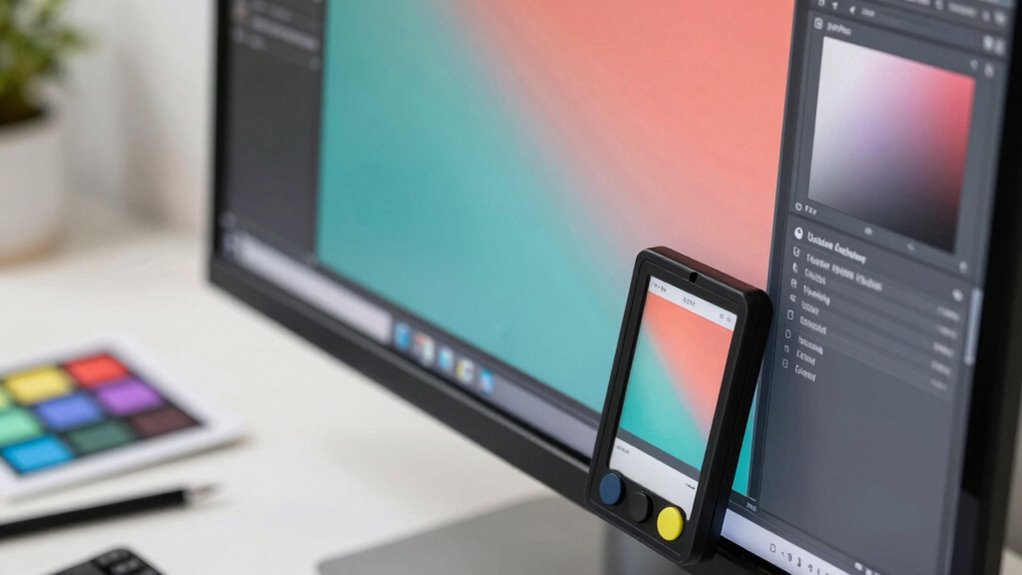
Ignoring your monitor settings can lead to inaccurate color reproduction, so don’t neglect this step. Skipping the calibration routine altogether might save time but will compromise your results. Make sure to address these common mistakes to ensure precise and consistent UI color testing. Additionally, understanding watt-hours can help you choose the right equipment for optimal color accuracy. Consider investing in espresso machines that provide consistent color output for enhanced visual presentations.
Ignoring Monitor Settings
Many designers overlook the importance of properly calibrating their monitors, which can lead to inaccurate color representation in UI testing. Ignoring monitor settings, such as monitor glare and ambient lighting, causes distorted colors and inconsistent results. Bright or uneven lighting can reflect off the screen, altering how colors appear and making calibration ineffective. Without adjusting these factors, you risk viewing colors that aren’t true to the design specifications. Make certain your workspace has controlled ambient lighting and minimize glare by positioning your monitor away from windows or using anti-reflective screens. Failing to manage these settings compromises color accuracy, leading to misjudgments in UI testing and affecting user experience. Properly addressing monitor glare and ambient lighting is essential for precise, reliable color calibration. Additionally, effective soundproofing can create a better work environment by reducing distractions from external noise, further enhancing focus during the calibration process. Investing in precious metal options can provide a stable financial backdrop, allowing designers to focus on achieving true color accuracy. Exploring regional flavors in coffee and tea can also inspire creative design choices, enriching the overall aesthetic experience. Moreover, understanding best practices for color accuracy can significantly improve the consistency of your UI testing results. A well-calibrated monitor is crucial for delivering accurate color representation, ensuring that the designs you create are experienced as intended by users.
Skipping Calibration Routine
Even if your monitor is properly calibrated and ambient lighting is controlled, skipping a formal calibration routine can still lead to inaccurate colors. Many believe that once initial calibration is done, further adjustments are unnecessary, falling for common color calibration myths. Ignoring a routine calibration overlooks the calibration routine benefits, such as maintaining color consistency over time. Without regular calibration, subtle shifts in display performance can distort color accuracy.
Remember:
- Calibration myths can cause complacency and inaccuracies
- Routine calibration guarantees ongoing precision
- Ambient conditions may change, affecting your display
- Color consistency is essential for UI testing accuracy
- Skipping calibration risks subtle color errors that compound
Prioritize regular calibration to avoid costly mistakes and ensure reliable color representation. Additionally, maintaining financial goals can help you stay focused and organized in your calibration efforts.

datacolor Spyder – Monitor Calibrator for Graphic Designers, Photographers, and Content Creators, Shows You True Colors, Works on OLED Monitors & LED Screens, Easy-to-Use Color Calibration Tool
Color “Surprises” Are a Thing of the Past: Datacolor’s exclusive DevicePreview TM Beta feature simulates what your photos…
As an affiliate, we earn on qualifying purchases.
As an affiliate, we earn on qualifying purchases.
Tools You Need for Accurate Screen Calibration
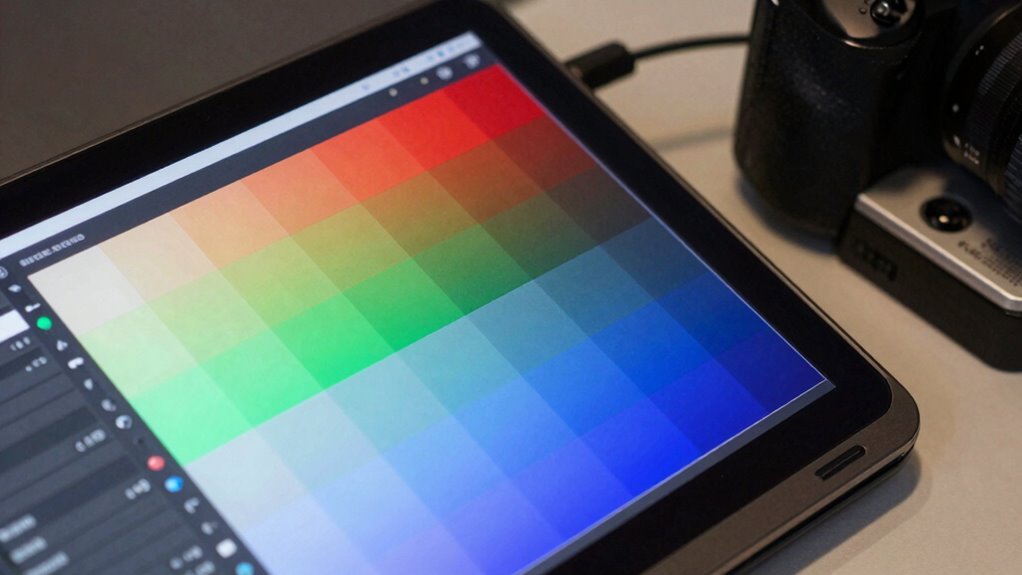
To guarantee accurate screen calibration, you need reliable calibrated display devices that deliver consistent color output. Using effective color calibration software helps you fine-tune your display for precise color representation. Additionally, maintaining consistent lighting conditions around your workspace minimizes color discrepancies during testing. Incorporating eco-friendly practices in your workspace can also help enhance overall color accuracy by reducing environmental variables. Furthermore, ensuring your workspace has adequate lighting can significantly improve the effectiveness of your calibration process. Caregivers should also consider home safety tips that involve maintaining a clutter-free workspace, as this can further reduce distractions and enhance focus during the calibration process. To achieve even better results, consider utilizing airless paint spraying techniques to create a controlled environment that reduces color distortion. Proper installation of projectors and their associated cabling solutions can also play a crucial role in ensuring consistent color output during UI testing.
Calibrated Display Devices
A calibrated display device is essential for achieving accurate UI color testing, as it guarantees your screen shows true-to-life colors. Ensuring proper display calibration is vital for effective color management, helping you spot even subtle color inconsistencies. When selecting a display, prioritize devices with high color accuracy, wide color gamuts, and reliable hardware calibration features. These tools help maintain consistent color representation across different screens and environments. Additionally, choosing a display that mimics ideal lighting conditions can further enhance your calibration process. Remember, a well-calibrated device minimizes guesswork and enhances your confidence in color decisions. Additionally, incorporating principles from holistic wellness can enhance your overall approach to design, ensuring you consider the user experience holistically.
- High-quality hardware for precise display calibration
- Wide color gamut support for richer colors
- Consistent brightness and contrast levels
- Compatibility with calibration tools and software
- Durable hardware that maintains calibration over time
Color Calibration Software
Achieving accurate screen calibration relies heavily on the right software tools, which guide you through adjusting your display’s color settings precisely. These programs help you fine-tune your color perception and guarantee consistent display gamma, critical for UI testing. Popular options include CalMAN, DisplayCAL, and BasICColor, each offering detailed calibration workflows. They analyze your screen’s output and suggest adjustments for maximum accuracy. Use these tools to create a color-accurate environment that minimizes discrepancies across devices. Here’s a quick overview:
| Software | Key Features | Best For |
|---|---|---|
| CalMAN | Advanced color management | Professionals |
| DisplayCAL | Open-source, detailed profiling | Budget-conscious users |
| BasICColor | Precise gamma correction | Expert calibration |
| ColorMunki | Easy color calibration | Designers and testers |
| SpyderX | Quick, user-friendly setup | Beginners |
Consistent Lighting Conditions
Ever wondered why your screen’s colors look different in various lighting environments? The key is maintaining consistent lighting conditions during calibration and testing. Variations in ambient lighting and color temperature can distort how colors appear, leading to inaccurate UI assessments. To guarantee consistency, you need tools that control and measure your environment’s lighting.
Consider these essentials:
- A high-quality light meter
- Adjustable desk lamps with consistent color temperature
- Light-diffusing shades for ambient lighting control
- Calibration tools that factor in ambient light
- A dedicated, neutral-colored workspace
Controlling ambient lighting and matching color temperature helps stabilize your environment, ensuring your screen’s colors remain true regardless of external conditions. This consistency is vital for accurate, reliable UI testing. Additionally, understanding effective preparation for design consultations can further enhance your workflow by ensuring all aspects of your testing environment are optimized for accuracy. Using essential survival gear can also enhance your preparedness for unexpected challenges during testing sessions.
Step-by-Step Guide to Calibrating Your Devices
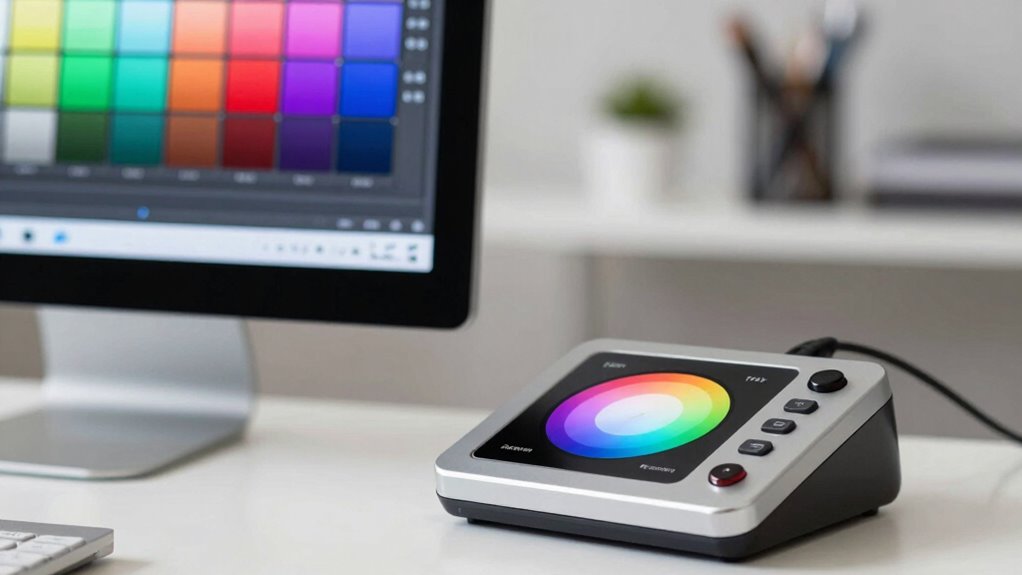
Calibrating your devices is an essential step to guarantee color accuracy in UI testing. Proper calibration aligns your display’s color perception with real-world standards, ensuring consistent results. To start, use a calibration tool and follow its instructions carefully. Adjust settings like brightness, contrast, and color temperature until the display matches the target profile. Remember, calibration frequency depends on your environment and usage—regular recalibration keeps colors accurate. Additionally, ensuring your display’s filter sizing/flow can impact overall performance in various testing scenarios. Here’s a quick reference:
| Step | Action | Tip |
|---|---|---|
| Prepare device | Connect calibration tool | Ensure proper lighting |
| Adjust settings | Fine-tune display parameters | Use calibration software |
| Verify results | Compare with color standards | Repeat if necessary |
Regular calibration improves color perception and maintains UI consistency.
How to Validate Color Consistency Across Screens
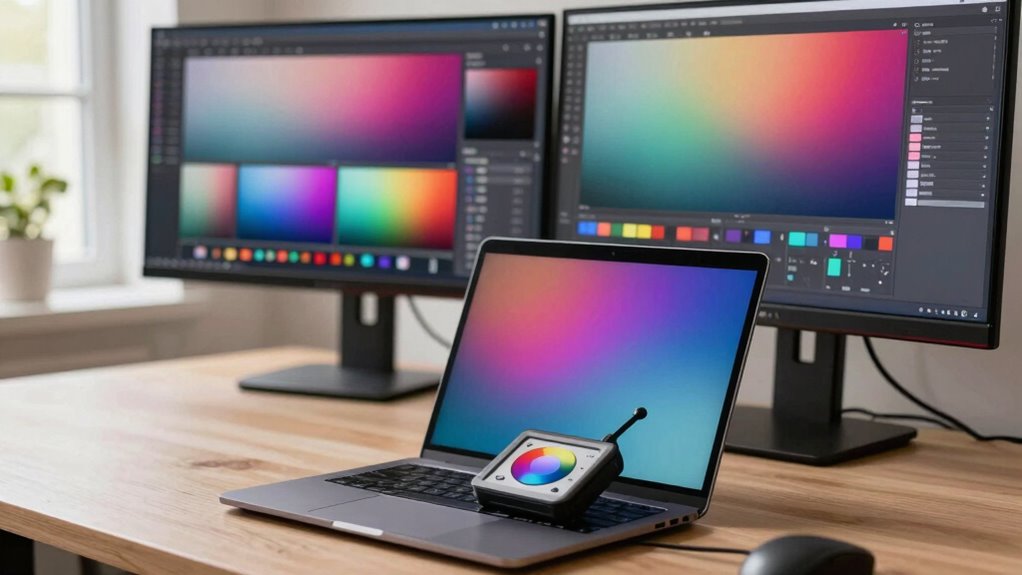
To guarantee your UI looks consistent across multiple screens, you need to validate color accuracy effectively. This involves evaluating how display uniformity affects color perception across devices. Start by comparing screens side-by-side under the same lighting conditions. Use a colorimeter or calibration tool to measure color values, ensuring they match the desired standards. Pay close attention to subtle variations that can disrupt perceived consistency.
Remember these key points:
- Check for uniformity in brightness and contrast
- Verify color calibration settings are consistent
- Use standardized color samples for comparison
- Consider ambient lighting impacts on color perception
- Document deviations for targeted adjustments
Additionally, ensure that your workspace is free from microplastics in dust, as these can influence visual clarity and overall health during testing.
Tips to Maintain Accurate Colors Over Time
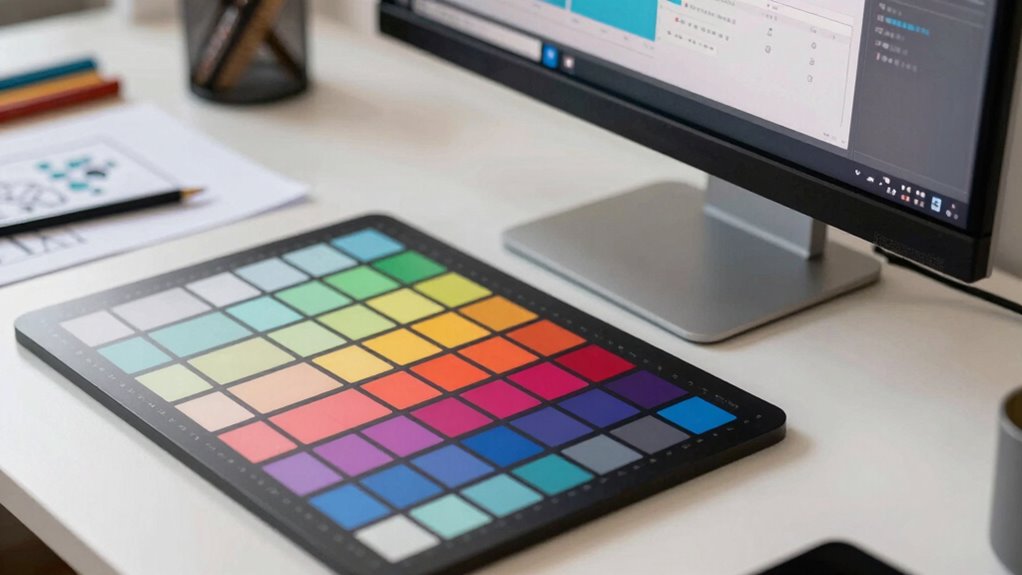
Maintaining accurate colors over time requires consistent monitoring and timely adjustments, especially as displays can drift from their calibrated settings. Changes in ambient lighting, display age, and device updates affect color perception, making regular checks essential. Use calibration tools to verify color accuracy and adjust settings as needed. Keep in mind that your visual ergonomics—like screen positioning and lighting—impact how you perceive colors and can influence testing results. To guarantee consistency, schedule routine calibration sessions and avoid viewing displays in inconsistent lighting conditions. Staying proactive helps prevent color shifts that could compromise UI testing accuracy. By prioritizing regular calibration and ideal visual ergonomics, you ensure your display remains reliable for precise color reproduction over the long term.
Frequently Asked Questions
How Often Should I Recalibrate My Screens for Optimal Accuracy?
You should recalibrate your screens at least once a month to maintain ideal color accuracy, ensuring consistent color and display uniformity. Regular calibration helps detect any shifts in color consistency caused by environmental factors or device aging. If you work in color-sensitive projects, consider recalibrating every two weeks. This routine keeps your display’s color fidelity high, making sure your UI testing results stay reliable and true to the intended design.
Can Software-Based Calibration Replace Hardware Tools Effectively?
Software calibration can be useful for quick adjustments, but it can’t fully substitute hardware comparison tools for precise color accuracy. Hardware tools provide more accurate, consistent results, especially in professional settings. If you’re serious about color fidelity, rely on hardware calibration for best results, and use software calibration as a supplementary step. This way, you guarantee your screens display colors reliably, matching industry standards and client expectations.
What Impact Does Ambient Lighting Have on Color Calibration?
While ambient influence and lighting conditions can subtly sway your color calibration, their impact isn’t insurmountable. You might find that inconsistent lighting causes your screen’s colors to appear different throughout the day, making calibration trickier. To keep colors accurate, consider working in a controlled lighting environment or using tools that compensate for ambient influence. This way, you guarantee your UI colors stay consistent, regardless of changing lighting conditions.
Is Color Calibration Necessary for Mobile Device UI Testing?
Yes, color calibration is necessary for mobile device UI testing to guarantee color consistency across different screens and devices. It helps you meet calibration standards, reducing discrepancies caused by manufacturing variations or lighting conditions. By calibrating regularly, you assure your app’s colors appear accurately, providing a better user experience and maintaining brand integrity. Skipping calibration risks misinterpretation of colors, which can lead to user dissatisfaction or design flaws.
How Do Different Display Technologies Affect Calibration Procedures?
Different display technologies, like OLED and LCD, affect calibration procedures because each type shows display color differently. OLED screens often have richer contrast, requiring specific calibration adjustments, while LCDs might need fine-tuning for color consistency. To guarantee accurate display color, you should use dedicated calibration tools tailored to each technology. Regular calibration helps maintain color accuracy, ensuring your UI looks consistent across all devices and display types.
Conclusion
Ensuring color accuracy in UI testing isn’t just a best practice—it’s essential. Studies show that 85% of users judge a website’s credibility based on visual quality, making calibration vital. By following a simple workflow, avoiding common mistakes, and regularly validating your screens, you can maintain consistent, true-to-life colors. This small investment in calibration can greatly boost user trust and satisfaction, ultimately elevating your product’s professionalism and success.