

To catch dead zones in your mesh or roaming network, you should systematically test coverage using your devices to measure signal strength and speed in different areas. Use tools like Wi-Fi analyzers or coverage mapping apps such as NetSpot or Ekahau to visualize weak spots and interference. Regularly monitor your network’s performance and adjust router placement or add nodes as needed. If you keep exploring, you’ll discover proven strategies to optimize your entire network.

Get business pricing on monitors, keyboards and dev gear
- Business-only prices and quantity discounts
- Tax-exempt purchasing
- Multiple users, one account, clear invoices
Key Takeaways
- Use Wi-Fi analyzers like NetSpot or Ekahau to visualize coverage and identify dead zones in the network.
- Walk through the area with a device to measure signal strength and pinpoint weak or dropped connection spots.
- Monitor network performance continuously to detect new dead zones or interference issues over time.
- Test device roaming by moving between access points to ensure seamless handoffs without signal loss.
- Adjust node placement, reduce interference sources, and upgrade hardware based on testing results to improve coverage.
Wi-Fi analyzer tools for coverage mapping
As an affiliate, we earn on qualifying purchases.
As an affiliate, we earn on qualifying purchases.
How Do Roaming and Mesh Networks Keep Us Connected?
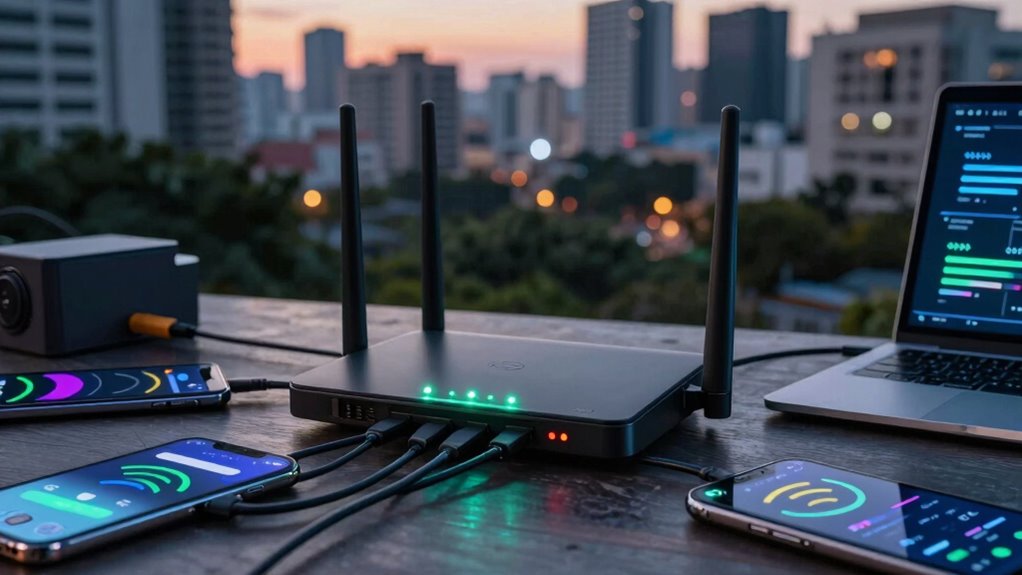
Roaming and mesh networks work together to guarantee you stay connected even when you’re moving around or in areas with weak signals. They minimize network latency by seamlessly switching between access points, so your connection remains stable. When you move, roaming detects your device’s location and hands off your connection smoothly, avoiding interruptions. Mesh networks improve coverage by creating a web of interconnected nodes, reducing dead spots and signal interference. They communicate constantly, sharing data to maintain a strong, unified network. This setup assures your device always connects to the best available point, keeping latency low and signals clear. As a result, you experience fewer drops and faster speeds, even in challenging environments. Smart choices in technology like roaming and mesh networks are essential for reliable, seamless connectivity. Additionally, these technologies reflect exploring new frontiers in digital communication, highlighting their importance in modern connectivity solutions. Regular updates to network architecture are crucial for optimizing performance and ensuring user satisfaction. Furthermore, these networks can enhance experiences during summer bash planning by providing stable connections for streaming music and sharing photos. Incorporating performance upgrades can further enhance the efficiency of these networks, ensuring they operate at their best.
mesh network nodes for home Wi-Fi
As an affiliate, we earn on qualifying purchases.
As an affiliate, we earn on qualifying purchases.
What Causes Dead Zones in Mesh and Roaming Networks?
What Causes Dead Zones in Mesh and Roaming Networks?
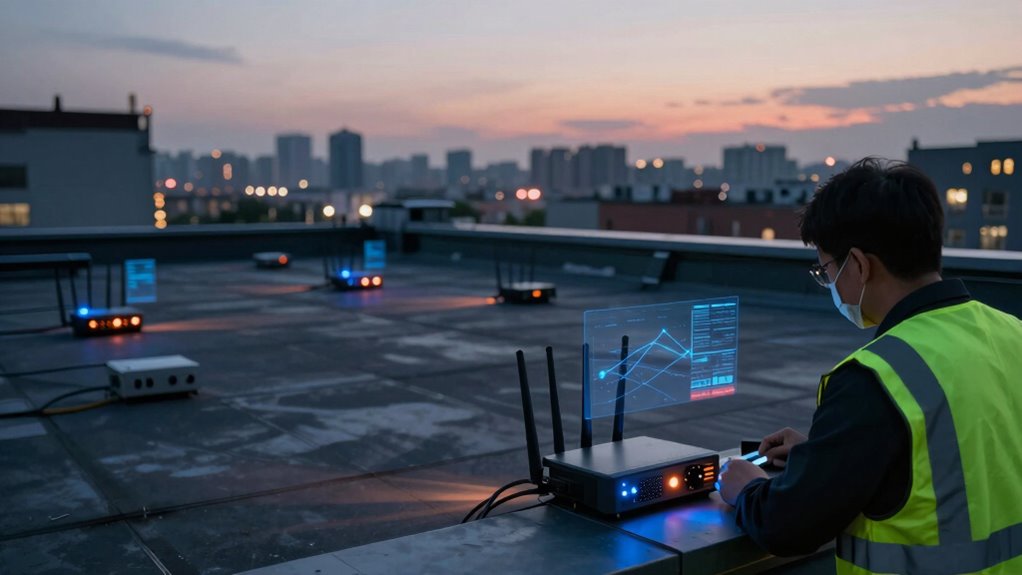
Dead zones in mesh and roaming networks occur when obstacles, distance, or interference weaken signals enough to prevent devices from maintaining a reliable connection. These issues can leave you frustrated and disconnected at critical moments. Common causes include:
Dead zones happen when obstacles, distance, or interference weaken signals, causing unreliable connections and frustration.
- Interference sources like microwaves or cordless phones that disrupt signals.
- Signal obstructions such as thick walls, metal objects, or furniture blocking Wi-Fi pathways.
- Too much distance between network nodes or access points, weakening signal strength.
- Poor placement of routers or mesh nodes, creating weak spots in coverage. Understanding the importance of signal quality and levels can help you identify why dead zones happen and take steps to reduce interference sources and signal obstructions. Additionally, utilizing educational resources can enhance your understanding of how to optimize your network setup effectively. For instance, maintaining an optimal contrast ratio in your environment can help minimize visual distractions, ensuring a focused setup for your devices. This awareness is key to maintaining a strong, seamless connection everywhere you need it.
As an affiliate, we earn on qualifying purchases.
How Can You Test for Dead Zones Effectively?
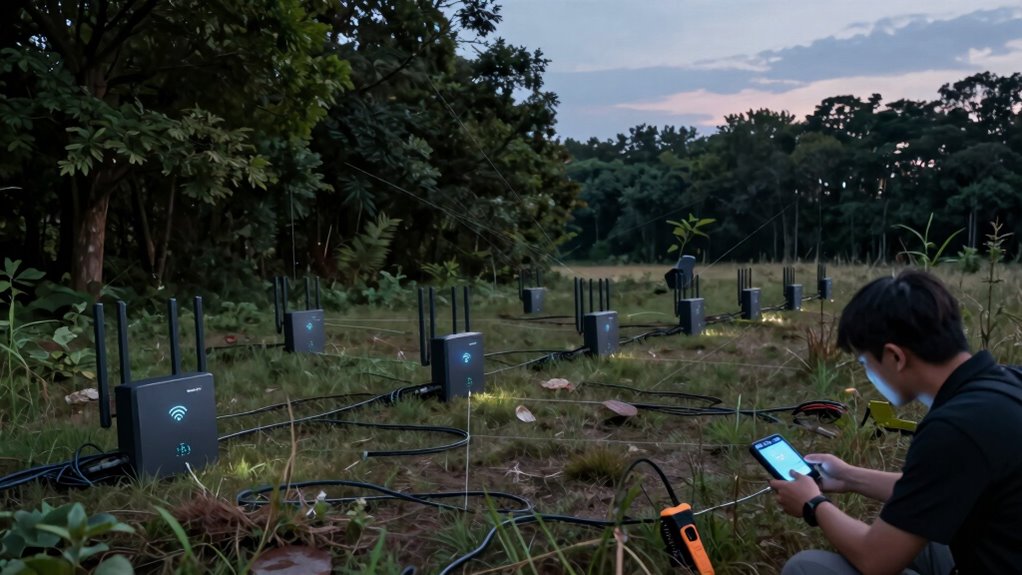
Wondering how to identify weak spots in your network coverage? Start by testing your signal in different locations around your space. Walk through your environment with a device that can measure signal strength or speed, paying attention to areas where the connection drops or slows. Be mindful of signal interference from thick walls, electronic devices, or neighboring networks, as these can create dead zones. To improve accuracy, adjust your device placement—try elevating devices or relocating them away from potential interference sources. Incorporating smart furniture solutions can also help optimize your space for better signal distribution. Additionally, using best garage door openers can enhance your home security while minimizing interference from electronic devices. Regularly testing different configurations can reveal optimal signal distribution, helping you identify the best arrangements for your network setup. Repeated tests in various spots help pinpoint problematic areas. This hands-on approach allows you to see where coverage weakens, giving you clear insight into dead zones and how your network’s layout impacts signal quality. Furthermore, implementing effective soundproofing techniques in your home can also mitigate noise interference that may disrupt your network performance. Additionally, understanding the history of women’s golf can provide context for how technology influences sports training and performance.
mesh Wi-Fi router with multiple nodes
As an affiliate, we earn on qualifying purchases.
As an affiliate, we earn on qualifying purchases.
What Are the Best Tools to Map and Monitor Coverage?
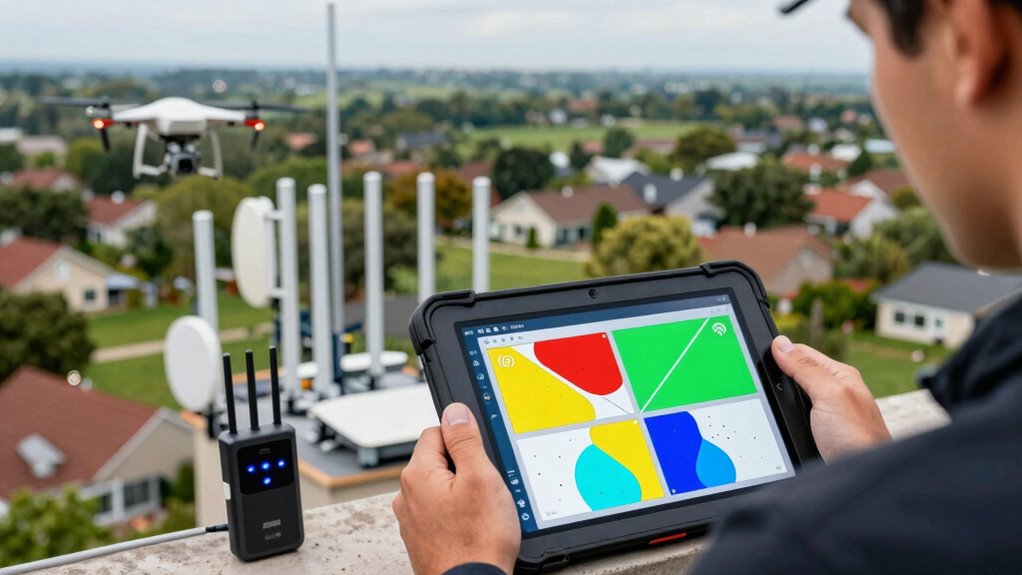
To effectively map and monitor your network coverage, you need reliable tools that provide detailed insights into signal strength and quality across your space. These tools help you identify issues like high network latency and signal interference, which can cause dead zones. Here are the top options:
- NetSpot – Visualizes Wi-Fi coverage, pinpointing dead zones and interference sources.
- Ekahau HeatMapper – Offers real-time heatmaps to track signal strength variations.
- Wi-Fi Analyzer – Detects signal interference and helps optimize channel settings.
- PingPlotter – Monitors network latency over time, revealing bottlenecks affecting coverage.
Additionally, understanding how astrological signs can influence interpersonal attraction may help in team dynamics when collaborating remotely. Keeping your equipment well-maintained, like cycling gear, can also enhance overall performance and reliability. Implementing safety checks for your network setup can further ensure a stable and efficient connection.
These tools empower you to proactively address dead zones, ensuring seamless roaming and mesh network performance.
How Can You Prevent and Fix Dead Zones in Your Network?

After mapping and monitoring your network coverage with the right tools, you can take targeted steps to prevent and fix dead zones. Start by addressing interference mitigation—identify and reduce sources like microwaves or cordless phones that disrupt signals. Additionally, maintaining a balance between support and boundaries in your home can help optimize the functionality of your devices. Moreover, understanding the impact of art and culture intersections can inspire creative solutions for enhancing your network environment. In home design, door swings can significantly influence the layout and should be considered to avoid physical obstructions. Furthermore, Victorian aesthetics can guide your choice of materials and decor, which may inadvertently affect signal propagation. Next, consider hardware upgrades; replacing outdated routers or adding mesh nodes enhances coverage and stability. Position access points strategically to maximize signal strength and minimize obstacles. Use the table below to understand key actions:
| Action | Benefit |
|---|---|
| Interference mitigation | Improves signal clarity and range |
| Hardware upgrades | Expands coverage and increases reliability |
| Strategic placement | Reduces dead zones and boosts performance |
| Additional mesh nodes | Seamlessly extends network coverage |
| Regular monitoring | Detects new dead zones early |
Implement these steps to keep your network seamless and efficient. Additionally, consider integrating smart home safety features to enhance your network’s reliability and security.
—
Let me know if you need any further modifications!
Frequently Asked Questions
Can Weather Conditions Affect Roaming and Mesh Network Coverage?
Yes, weather conditions can affect roaming and mesh network coverage. Environmental factors like rain, snow, or fog can cause signal interference, weakening signals and creating dead zones. Storms or extreme weather can damage infrastructure or disrupt connections. You should test networks under various weather conditions to identify potential issues and guarantee reliable coverage. Regular testing helps you catch these weather-related dead zones early, maintaining strong connectivity regardless of environmental changes.
How Do Device Types Impact Network Dead Zones?
Device types substantially impact network dead zones because of device compatibility and signal interference. If your device isn’t compatible with certain network standards, it may struggle to connect in some areas. Additionally, different device antennas and hardware can cause varying levels of signal interference, leading to dead zones. To minimize these issues, make sure all devices support the same standards and avoid placing devices near sources of interference like thick walls or electronic appliances.
Are There Industry Standards for Acceptable Dead Zone Sizes?
Industry standards for acceptable dead zone sizes vary, but generally, you aim for minimal, consistent coverage. You can determine this by analyzing signal interference, conducting thorough coverage mapping, and setting thresholds that align with your network’s needs. While some guidelines suggest dead zones should be under a few meters in diameter, it ultimately depends on your environment and device performance, making regular testing essential to catch and address dead zones early.
How Often Should You Retest Your Network for Dead Zones?
You should retest your network for dead zones regularly, especially after making changes like adjusting device placement or encountering signal interference. Typically, testing every few months is ideal, but more frequent checks are wise if you notice connectivity issues or add new devices. Consistent testing helps identify and fix dead zones early, ensuring your network remains strong and reliable across all areas.
What Is the Cost-Effectiveness of Different Dead Zone Mitigation Methods?
You’ll find that cost-effectiveness varies with dead zone mitigation methods. Infrastructure upgrades, like adding access points or repeaters, can be pricey upfront but offer long-term reliability, reducing signal interference and dead zones. Conversely, less expensive solutions such as adjusting device placement or optimizing existing hardware may be quick fixes but might not fully eliminate dead zones. Weigh your budget against the need for consistent coverage to choose the most cost-effective approach.
Conclusion
To truly guarantee seamless connectivity, you need to actively test your network for dead zones. While some believe that adding more access points automatically solves coverage issues, research shows that proper planning and monitoring are key. By using the right tools and regularly evaluating your network, you can prevent dead zones before they become a problem. Remember, a well-maintained mesh or roaming network isn’t just about coverage—it’s about reliable, consistent connection where you need it most.
Columbus Day / Indigenous Peoples' Day Picks
long weekend sales
As an affiliate, we earn on qualifying purchases.