KVM-over-IP transforms QA collaboration by letting you remotely access and control physical devices securely from anywhere. It simplifies hardware testing, speeds up troubleshooting, and supports multiple users simultaneously, making teamwork more efficient. With features like high-quality video, virtualization, and robust security, you don’t need to be on-site to perform accurate tests. Interested in how these solutions can boost your testing process? Keep exploring to discover more about this game-changing technology.
Key Takeaways
- KVM-over-IP enables remote, real-time access and control of physical devices, enhancing collaboration in QA testing.
- It reduces setup time and allows multiple users to troubleshoot simultaneously from different locations.
- Secure access features protect sensitive hardware data during remote testing sessions.
- Virtualization support through KVM-over-IP allows testing across diverse device configurations remotely.
- Future integrations with AI and IoT will further streamline remote QA collaboration and device management.

IP KVM Remote Control Over Internet, Remote KVM Over IP, 4K@60Hz,Simulate Keyboard Mouse Touch Screen Remote Operation PC,Servers, Install OS Via BIOS, Audio,Mini Screen, for Windows, Mac and Android
【Remote control IP KVM】Whether you are at home or on a trip, you can use a personal computer…
As an affiliate, we earn on qualifying purchases.
As an affiliate, we earn on qualifying purchases.
What Are Remote Device Labs and Why Do They Matter?
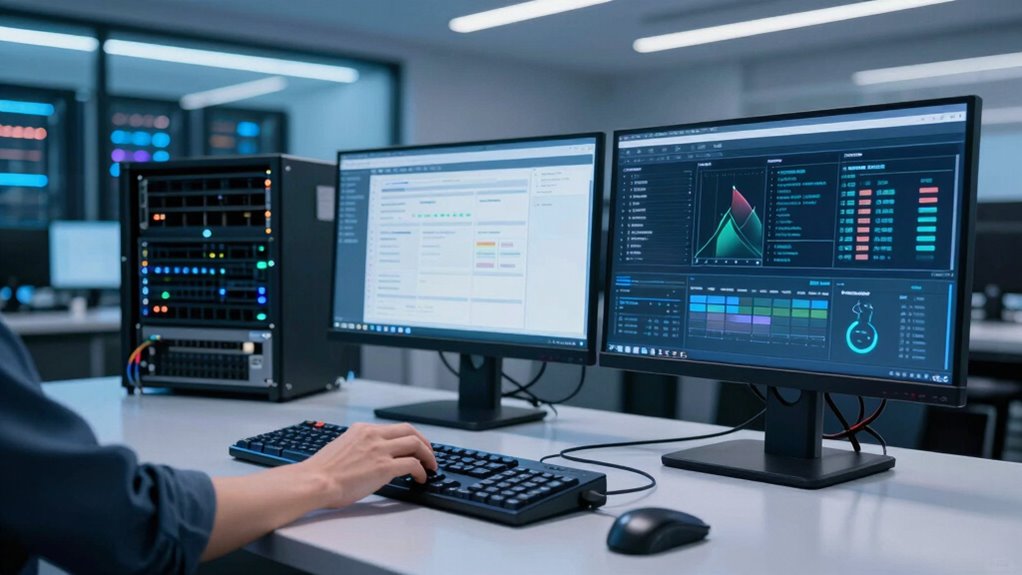
Remote device labs are specialized platforms that allow you to access and test real devices over the internet, regardless of your location. They enable remote access to physical hardware without needing to be physically present, saving time and resources. Using hardware virtualization, these labs replicate devices virtually, allowing you to run tests as if you had the actual hardware in front of you. This setup enhances flexibility, making it easier to perform cross-platform testing or troubleshoot issues remotely. Remote device labs are especially valuable in fast-paced environments where quick access to multiple devices is essential. They guarantee consistent testing conditions, improve collaboration across teams, and streamline workflows. Overall, they’re an essential tool for modern QA, development, and IT teams seeking efficiency and precision. Additionally, just as high refresh rates enhance gaming experiences, remote device labs facilitate rapid testing cycles for faster product development.

CompTIA Network+ N10-009 Study Guide: The All in One Manual to Prepare for the Certification Exam – Includes Lab Simulators, 4 Full-Length Practice … Trainer Pro (CompTIA Certification Series)
As an affiliate, we earn on qualifying purchases.
As an affiliate, we earn on qualifying purchases.
How KVM-over-IP Simplifies Hardware Testing and Collaboration
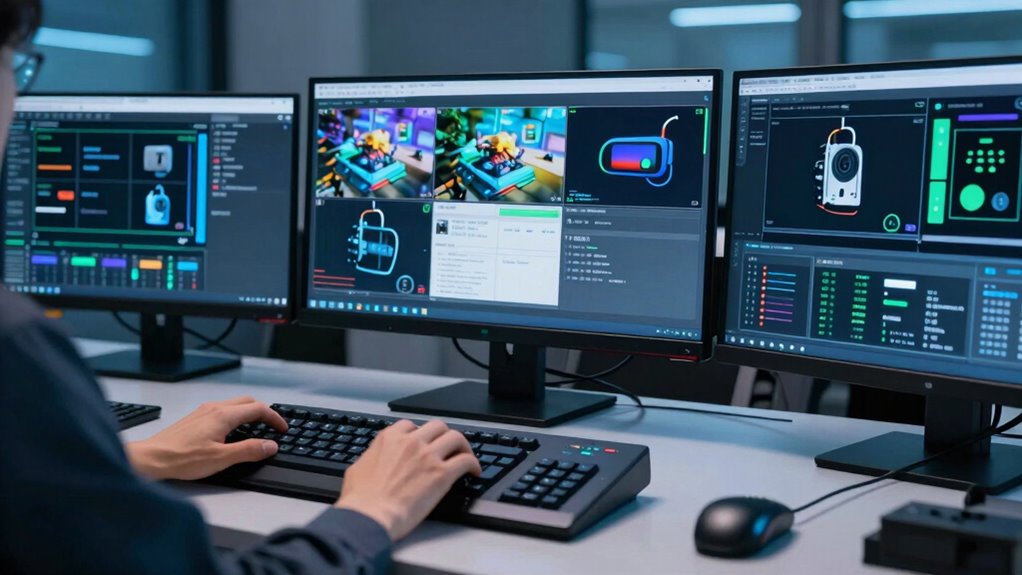
KVM-over-IP makes it easy for you to access hardware remotely, cutting down setup time and reducing physical barriers. It also helps your team stay coordinated by allowing multiple users to view and control devices simultaneously. As a result, testing becomes faster and collaboration more seamless. Additionally, this technology exemplifies how digital concepts can revolutionize traditional workflows in QA.
Streamlining Hardware Access
When testing hardware or collaborating across teams, having immediate and seamless access to equipment can make all the difference. KVM-over-IP enables you to do this effortlessly, streamlining hardware access in several ways:
- Instant Remote Troubleshooting: Quickly diagnose issues without waiting for on-site visits.
- Efficient Remote Diagnostics: Perform thorough hardware checks from anywhere, reducing downtime.
- Simplified Virtual Troubleshooting: Access and control devices as if physically present, making complex tasks straightforward.
This technology eliminates the need for physical proximity, allowing you to troubleshoot virtually, saving time and resources. It guarantees that testing and collaboration are faster, more flexible, and more efficient—key for modern QA workflows. Additionally, the importance of astrological compatibility can enhance team dynamics, fostering better collaboration. KVM-over-IP makes hardware access seamless, transforming how teams test and verify devices remotely.
Enhancing Team Coordination
Effective team coordination hinges on seamless communication and real-time access to hardware, which can be challenging when team members are distributed across different locations. KVM-over-IP solutions foster better team synergy by allowing everyone to access the same hardware instantly, regardless of their physical location. This setup simplifies remote troubleshooting, enabling team members to diagnose and fix issues without delays or the need for physical presence. As a result, collaboration becomes more efficient and responsive. With everyone on the same page, testing cycles accelerate, and problems are resolved faster. KVM-over-IP transforms hardware testing from a fragmented process into a unified effort, ensuring your team works smoothly together and maintains high productivity. Additionally, implementing accessibility features can further enhance the remote experience, making it inclusive for all team members.

Primes Lab Stealth Remote Access Solution, A Self-Hosted VPN
It is tracking-free for secure Remote Desktop (RDP), secure Network Attached Storage (NAS), secure Site-to-Site VPN, and Bitcoin…
As an affiliate, we earn on qualifying purchases.
As an affiliate, we earn on qualifying purchases.
Key Features to Look for in KVM-over-IP Solutions

Choosing the right KVM-over-IP solution involves identifying key features that guarantee seamless remote management and security. First, look for high-quality virtual troubleshooting capabilities, allowing you to diagnose issues without physical access. Second, assure hardware virtualization support, which enables multiple virtual machines to run efficiently on the same hardware, simplifying maintenance. Third, prioritize solutions with reliable video quality and low latency, essential for accurate remote diagnostics. These features make it easier to manage hardware remotely, reduce downtime, and streamline QA processes. A robust KVM-over-IP system empowers your team to perform tasks confidently, whether troubleshooting virtual environments or managing physical devices, all while maintaining security and control.

JetKVM IP KVM PC Remote Control, Open Source Jet KVM Over IP Internet with Touchscreen LCD Ultra-Low Latency, Network IP KVM Switch Remote BIOS Access for Computer and Server
All-in-One JetKVM Remote Control & Touchscreen: This IP KVM enables browser-based remote control of computers/servers (no software/fees) with…
As an affiliate, we earn on qualifying purchases.
As an affiliate, we earn on qualifying purchases.
Securing Remote Access: Authentication, Encryption, and Control
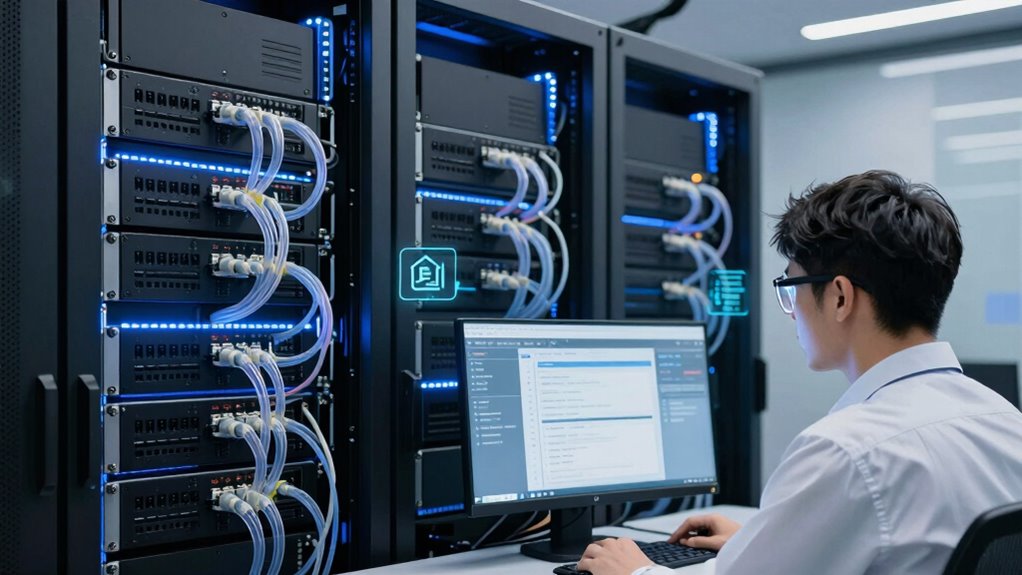
Ensuring secure remote access is essential once you’ve set up a reliable KVM-over-IP system. You need robust authentication methods to prevent unauthorized entry, and biometric authentication offers a high level of security by verifying your unique identifiers like fingerprints or retina scans. Essential DIY tools like strong passwords and two-factor authentication can further bolster your security measures. Data encryption is equally critical; it shields your data from interception during transmission, making it unreadable to outsiders. Control mechanisms should allow you to manage access permissions dynamically, ensuring only authorized users can operate specific devices. Combining biometric authentication and strong encryption creates a secure environment, reducing the risk of breaches. Regularly updating your security protocols and monitoring access logs further enhances protection, keeping your remote device labs safe while maintaining seamless collaboration. Additionally, understanding brewing fundamentals can help in creating a secure environment that supports effective communication and collaboration among team members. Implementing smart home safety measures can also provide valuable insights into enhancing security protocols in your setup. Moreover, integrating knowledge of pest management can help identify potential threats to your network infrastructure, ensuring comprehensive protection. Furthermore, engaging with local cultural festivals can foster team bonding and enhance collaboration through shared experiences.
Comparing Traditional Labs and Remote Device Labs
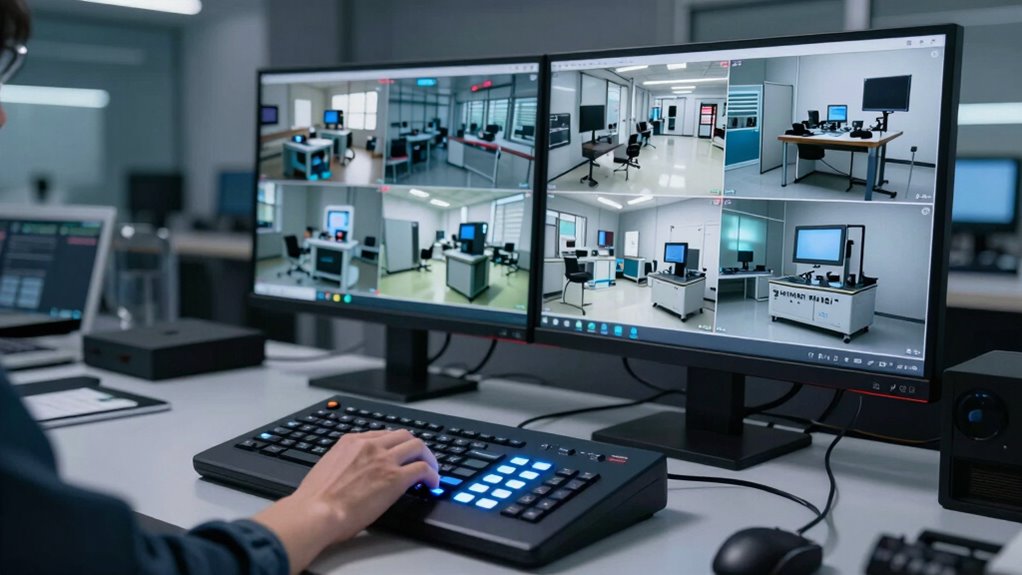
Sure! Here’s the revised content with the addition:
—
Traditional labs require physical presence and direct access to equipment, which can limit flexibility and accessibility. With remote device labs, you gain the advantage of remote access, allowing you to work from anywhere without being on-site. Hardware virtualization plays a key role here by simulating real devices, reducing the need for physical hardware and increasing scalability. Additionally, universal basic income could provide financial support for teams transitioning to this new model. In today’s global workforce, remote collaboration tools are essential for maximizing team productivity.
Consider these benefits:
- Increased flexibility—access devices anytime, anywhere.
- Cost savings—eliminate travel and hardware maintenance.
- Enhanced collaboration—teams can work simultaneously on virtualized hardware.
Compared to traditional labs, remote device labs make QA testing more agile, accessible, and efficient. They leverage remote access and virtualization to streamline workflows and eliminate geographical barriers. Furthermore, effective surface preparation is crucial in ensuring that testing environments are optimized for accurate results. Additionally, smart home technology can integrate with remote device labs to enhance testing environments and improve user experience. Incorporating herbal baths into wellness routines can also support overall team health and productivity during testing phases.
—
Let me know if you need any more changes!
How to Choose the Right KVM-over-IP Solution for Your Needs

Selecting the right KVM-over-IP solution is key to maximizing the benefits of remote device labs. You need a system that supports seamless remote troubleshooting, allowing your team to access hardware quickly and reliably. Consider solutions that offer robust hardware virtualization to simulate multiple devices and configurations, reducing the need for physical access. Evaluate bandwidth requirements and latency to guarantee smooth, real-time control, especially when managing complex setups. Security features like encryption and user authentication are essential to protect sensitive data during remote sessions. Compatibility with your existing infrastructure and scalability for future growth also matter. By focusing on these factors, you can choose a KVM-over-IP solution that enhances collaboration, speeds up troubleshooting, and optimizes your remote testing environment.
Future Trends in Remote Hardware Testing and Device Management

As remote hardware testing continues to evolve, emerging technologies like artificial intelligence and machine learning are set to revolutionize device management. You’ll see increased IoT integration, enabling seamless communication between diverse devices. Additionally, device virtualization will grow, allowing you to emulate hardware environments without physical access. To stay ahead, consider these future trends:
- Enhanced IoT integration for real-time data and predictive maintenance.
- Advanced device virtualization to streamline testing across multiple hardware configurations.
- Smarter AI-driven management systems that optimize device deployment and troubleshooting.
Incorporating effective communication strategies will also be crucial for ensuring that teams collaborate efficiently during remote testing.
These innovations will simplify remote testing, improve accuracy, and reduce downtime. As technology advances, you’ll gain more control and flexibility over your hardware testing processes, making remote device management more efficient and scalable. Furthermore, understanding battery inverter generator capacity will be essential for ensuring optimal power supply during testing scenarios.
Frequently Asked Questions
Can Kvm-Over-Ip Integrate With Existing Network Infrastructure Seamlessly?
Yes, KVM-over-IP can integrate seamlessly with your existing network infrastructure. It’s designed for easy hardware compatibility, allowing you to connect without major disruptions. Just guarantee your network security measures are in place, as remote access tools can introduce vulnerabilities if not properly secured. When set up correctly, KVM-over-IP enhances your QA collaboration without sacrificing network integrity or security, making it a smooth addition to your current setup.
What Are the Latency Considerations for Remote Hardware Testing?
You might think network latency is a tiny hiccup, but it can feel like testing in slow motion, drastically affecting your testing accuracy. High latency causes delays that make hardware responses seem sluggish, risking missed issues. To keep testing smooth and reliable, you need to optimize your network, reduce latency, and guarantee your remote hardware tests run as fast and precise as if you’re right there in the lab.
How Does Kvm-Over-Ip Support Multiple Users Simultaneously?
KVM-over-IP supports multiple users simultaneously by allowing shared user access through secure login credentials. You can set security protocols to control who views or controls the hardware. This guarantees that each user has a dedicated session without interference. The system manages user permissions securely, enabling efficient collaboration while safeguarding sensitive data. As a result, your team can work together seamlessly on remote hardware testing, maintaining both security and productivity.
Are There Industry-Specific Applications for Remote Device Labs?
Think of remote device labs like a Swiss Army knife—they’re perfect for industry-specific testing with specialized hardware. For example, in healthcare, they enable testing medical devices safely without physical access. Similarly, in automotive, engineers test embedded systems remotely. KVM-over-IP streamlines this process, allowing you to access and troubleshoot hardware across industries efficiently. This flexibility makes remote labs invaluable for tailored testing environments, enhancing collaboration and reducing costs.
What Are the Maintenance Requirements for Remote KVM Solutions?
You need to regularly update remote KVM solutions to guarantee remote security and hardware scalability. Check for firmware updates and security patches to protect against vulnerabilities. Maintain hardware by cleaning components and verifying connections to prevent issues. Monitor system performance to identify scalability needs early, allowing you to upgrade hardware or infrastructure as your remote device lab expands. Consistent maintenance keeps your KVM-over-IP system reliable, secure, and scalable.
Conclusion
Embracing remote device labs with KVM-over-IP transforms your QA process, boosting collaboration and efficiency. Did you know that remote access solutions can cut hardware testing time by up to 50%? By choosing the right KVM-over-IP tools, you empower your team to work seamlessly from anywhere, ensuring faster, more secure testing cycles. Stay ahead of trends and harness these innovations to elevate your hardware testing capabilities today.